The lights go out, your laptop stays on, and your video call freezes anyway. During a Wi-Fi power outage, the problem may be a powerless router or modem, or an upstream failure that cuts off internet access.
You can often keep your connection running with a small battery backup or renter-friendly portable power station, provided you power every device it needs. That can keep wireless internet available at home, but it won’t restore service if your provider’s network is down. A phone hotspot gives you another option. Knowing which part stopped working is a useful first step in emergency preparedness.
Why the router alone may not be enough
Your Wi-Fi router creates a local wireless internet signal inside your home. A modem connects that network to cable or DSL service. With fiber, a fiber terminal brings the connection into your home. Some providers combine two or more functions in one box.
Trace the equipment your connection uses
Follow the cable from the wall to the first powered device, then to your router. In an apartment, the optical network terminal may be in a utility closet, not beside your desk. Ask your provider if you’re unsure where it is. A system with mesh nodes may need its main unit powered too; satellite units can stay off if you don’t need them.
Back up the modem and router, or the fiber terminal and router, including their power adapters. Otherwise, your phone may show a strong Wi-Fi signal while websites refuse to load. Those signal bars only tell you that your phone can reach the router.
Remember the network beyond your walls
A home battery can’t repair a damaged line or power an unprotected neighborhood connection point. Storms may damage cables, while a power outage can affect equipment outside your building.
Fiber provider GloFiber explains the home equipment issue: even when its fiber network remains available, equipment inside the home needs power. Check your own provider’s outage information rather than assuming its network has the same backup.
A router with battery power can broadcast Wi-Fi without providing internet access. Test a website before declaring victory.
Diagnose a Wi-Fi power outage before buying gear
A quick check can save you from buying a bigger battery when the internet service provider’s connection is unavailable upstream. First, confirm whether your Wi-Fi signal is working and whether it can reach the internet.
Check your equipment first
If the building is dark, confirm which network boxes have lost power. If your backup is already running, check the modem or ONT status lights using your internet service provider’s guide. Normal-looking lights don’t prove the service works, but warning lights can point to a line problem.
Try loading a fresh website on a device connected to Wi-Fi. Then turn off Wi-Fi on your phone and try the same site over cellular. If cellular works and home internet doesn’t, the fault lies somewhere along your home broadband connection.
Check beyond your apartment
Use mobile data to check your internet provider’s app or status page for its outage status. For a separate check of broader network status, the ThousandEyes Internet Outages Map shows detected outages and updates every five minutes. Downdetector’s user reports may show a local surge in complaints, though reports and maps don’t confirm the cause.
A neighbor on the same provider can offer another clue. If several households have lost service, leave the cables alone and report the outage. If it’s only your unit, check the equipment and connection before calling support.
Choose backup power that fits the outage
For a short Wi-Fi power outage, an uninterruptible power supply (UPS) can keep network equipment running through a brief interruption as it switches to battery. For longer outages, a portable power station can provide backup power, depending on its capacity and recharge options.
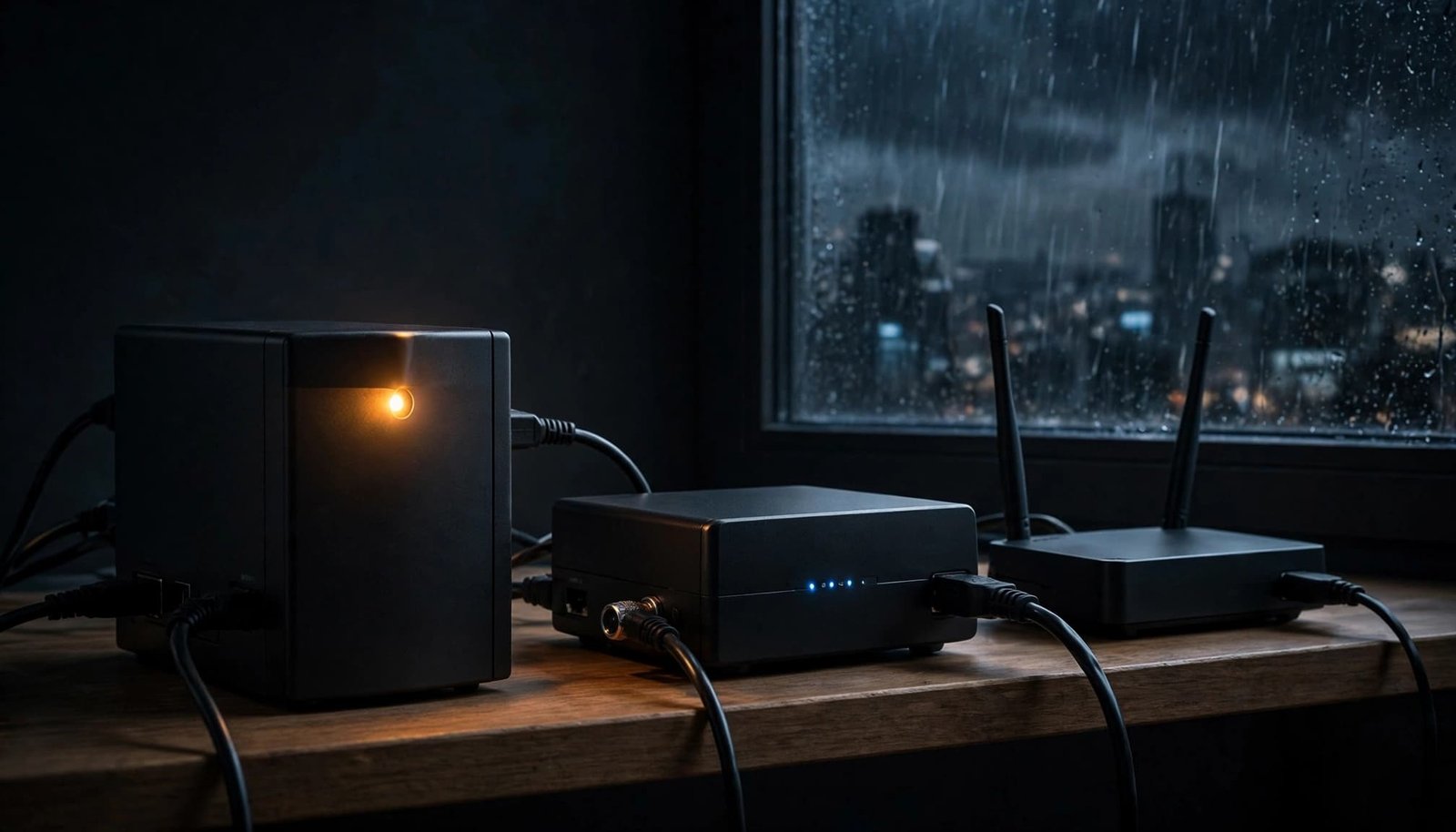
Compare the practical options
Each option solves a slightly different problem.
| Backup option | Best fit | Check before buying |
|---|---|---|
| Standard UPS | Keeping AC-powered network boxes on through a short interruption | Outlet count, supported load, runtime at your load, and protection against power surges |
| Mini UPS | Compact backup for compatible low-power DC equipment | Output voltage, polarity, connector, and current rating |
| Portable power station | Longer backup for a router, laptop, or other modest loads | Stored energy, continuous output, outlets, and recharge method |
A small phone power bank belongs in the plan too, but it won’t power a router unless the router accepts its output through a manufacturer-approved connection. Check a UPS’s specifications for power surges, since surge protection isn’t included on every model.
Give continuity and capacity separate jobs
A standard UPS is useful when you don’t want the connection to drop during the changeover. It may also give a desktop user time to save work. A portable power station often stores more energy, but many models don’t switch to battery fast enough to prevent a router reboot. Check the model’s instructions if uninterrupted power matters.
For renters, both are easier to accommodate than a standby generator. A fuel-burning generator is not an apartment or balcony substitute: exhaust can enter your home or a neighbor’s.
Size and connect the backup safely
Battery labels can look reassuring until an outage arrives. Watts describe how much power your equipment uses; watt-hours describe stored energy. A UPS rating in volt-amperes (VA) tells you about supported load, not how long the battery will last. When choosing a portable power station, check both its stored energy and output capacity for the load you plan to run.
Add up the equipment you need
Check the power information for network equipment, including your modem, ONT, router, main mesh nodes, and any powered switch between them. Use a suitable plug-in meter to measure power consumption and estimate the combined load. An adapter’s output rating may be higher than the device’s usual draw.
Compare measured power consumption with the backup’s output rating and manufacturer runtime information. The APC UPS Selector helps match a UPS to the load and runtime you need. For a portable power station, confirm the stated runtime at your intended load. Remember that AC conversion and battery age affect real-world results.
Keep your laptop off the network UPS unless you deliberately sized it for both. A laptop’s own battery can handle the computer while the UPS concentrates on keeping the connection alive.
Treat mini UPS connections with care
A mini UPS saves shelf space, but a plug that fits isn’t proof that it’s electrically compatible. Check output voltage, plug dimensions, polarity, and available current against each device’s label and manual. Some kits include multiple DC leads, so confirm the lead as well as the battery’s output setting.
Don’t guess, splice cables, or replace a device’s approved adapter with an unverified power supply. The wrong voltage or polarity can damage equipment. If the specifications are unclear, use the original AC adapters with a suitable UPS or power station.
Stretch battery runtime without losing the essentials
During an extended outage, use a portable power station for backup power to keep essentials online during a power outage. Unplug spare mesh nodes and nonessential accessories if your main router covers the room where you’re working. Turn off an unused guest network only if it’s simple, and don’t interrupt a working connection to hunt through settings mid-outage.
For a long outage, reserve battery capacity for one phone, lighting, and urgent communication. A router running all night has little value if the provider’s network has already failed. Recheck service occasionally rather than leaving equipment powered on, assuming it will return soon.
Keep batteries on a dry, stable surface with vents clear, and follow the maker’s charging instructions. Stop using damaged equipment or anything that becomes unusually hot. Before storm season, make a brief test part of your emergency preparedness. Disconnect wall power, confirm the internet still works, and check performance under your normal load.
Use cellular backup when broadband fails
During a power outage, if the modem has power but your provider is down, switch to backup internet through mobile data. A portable power station can run home devices, but it can’t replace a failed broadband line. A local wireless internet signal doesn’t guarantee that your provider’s service is available.
Connect only what you need
Turn on your phone’s mobile hotspot. Connect your laptop to the mobile hotspot, or use USB tethering if both devices support it. Tethering may charge the phone while you work, drawing power from the laptop. A dedicated cellular hotspot can keep your phone free for calls, but it needs its own service plan and power.
Before relying on any option, check your plan’s hotspot allowance, high-speed data limits, and what happens after you use the allowance. Policies differ by carrier and plan. Disable automatic downloads and cloud syncing, then favor messages and audio calls over video meetings.
Keep a way to communicate if data falters
During a regional outage, the cellular network can become congested or lose service. Send essential updates early. Remote workers can give a manager or client a realistic next check-in time instead of disappearing halfway through a meeting.
The FCC’s emergency communications tips also recommend texting when networks are busy. Preserve phone battery for alerts and calls, and keep another way to communicate if the cellular network falters. If you need reliable access for hours and travel is safe, confirm a library, coworking space, or another approved location has power before heading out.
When electricity returns but the internet doesn’t
After a power outage, give the modem or ONT and router time to restart. If they still aren’t connecting, check your provider’s outage status before resetting anything. A neighborhood repair may take longer than power restoration in your building.
If there’s no reported outage, inspect accessible cables for loose connections or visible damage. Then restart equipment using your provider’s instructions, usually allowing the modem or ONT to reconnect before the router. Avoid repeated resets if the status lights indicate a line problem. Contact your internet provider and describe the lights you see.
Reconnect sensitive equipment once power is stable, since power surges can occur as service returns. Never use wet outlets or damaged cords, and report buzzing or scorching to your property manager or an electrician. Finally, recharge your backup battery or portable power station according to its maker’s instructions. The next outage rarely checks whether you’ve finished the laundry first.
Key takeaways
- Power the modem and router, and a separate fiber terminal if needed.
- Choose a UPS for continuity, or compare portable power stations when you need more stored energy.
- Verify every DC specification before connecting a mini UPS.
- Test the setup before a power outage, then keep a phone hotspot as a separate path to the internet.
- If broadband remains down after power returns, check your provider’s status before troubleshooting further.
FAQ
Will my modem and router work from a UPS during a power outage?
Only if they’re the only powered network devices you need and your provider’s connection remains available. Check for another powered box where the service enters your home.
Does a fiber terminal’s battery power my Wi-Fi?
Don’t assume it does. Some provider-supplied batteries support voice service rather than general internet access. For example, South Slope’s battery backup notice describes emergency calling from a single phone, not a promise that home Wi-Fi will run. Ask your internet provider what your equipment’s battery supports.
Can I use my phone as a hotspot during a blackout?
Yes, if your phone has battery power, cellular service, and a plan that permits hotspot use. Connect only essential devices and check your data limits. If the cellular network is overloaded or damaged, the hotspot may be slow or unavailable.
How long will a UPS keep a router running?
Runtime depends on the UPS, battery condition, and everything connected to it. Check the manufacturer’s estimates at your actual load, then test your own setup. A larger VA number alone doesn’t tell you the runtime.
Keep the connection plan small and dependable
A dark router doesn’t have to end your workday. Before the next power outage, identify every powered network box and match a portable power station to the devices it must run. Test whether your provider’s connection survives a local outage.
Keep cellular backup ready for the times it doesn’t, though local conditions can affect the cellular network too. Two tested paths are more useful than one impressive battery attached to the wrong box, and they’re a simple part of emergency preparedness.