The lights go out, your CPAP stops, and the room suddenly sounds much too quiet. If you use it every night, a tested backup plan matters more than a battery bought in a hurry.
When the power grid goes down, sleep apnea therapy is interrupted, but a CPAP stopping usually doesn’t mean immediate suffocation. An interrupted night may cause sleep deprivation and leave you tired the next day. Still, your response depends on your mask, your health, and whether you use another device, such as a ventilator. Start by knowing what happens when the machine shuts off.
What happens when a CPAP loses power?
A standard CPAP stops delivering pressure when a power failure interrupts its supply. Some people wake as airflow changes; others notice only when they wake later. Without pressure, obstructive sleep apnea symptoms can return, including snoring and repeated breathing interruptions.
Can you breathe through the mask?
Mask design matters. ResMed explains its anti-asphyxia valve, which admits room air through its full-face masks if the machine stops supplying air. With a nasal or nasal-pillow mask, you may be able to breathe through your mouth. Check the instructions for your exact mask rather than assuming every mask works the same way.
If you wake to a stopped machine and can’t get it running promptly, remove the mask. Seek urgent help if you’re having trouble breathing or feel seriously unwell.
When is a stopped machine more serious?
Missing CPAP therapy can cause sleep deprivation and worsen symptoms, though one missed night doesn’t affect everyone the same way. Depending on a person’s condition and how long the interruption lasts, there may be health risks.
Some people use bilevel devices for conditions beyond sleep apnea. A CPAP is a different medical device from a ventilator or oxygen equipment, and some people also depend on oxygen or ventilatory support.
If your clinician has told you that powered breathing support is essential, follow their specific emergency plan. Don’t substitute general CPAP advice for instructions about a ventilator or oxygen equipment. If your health is in immediate danger, call emergency services.
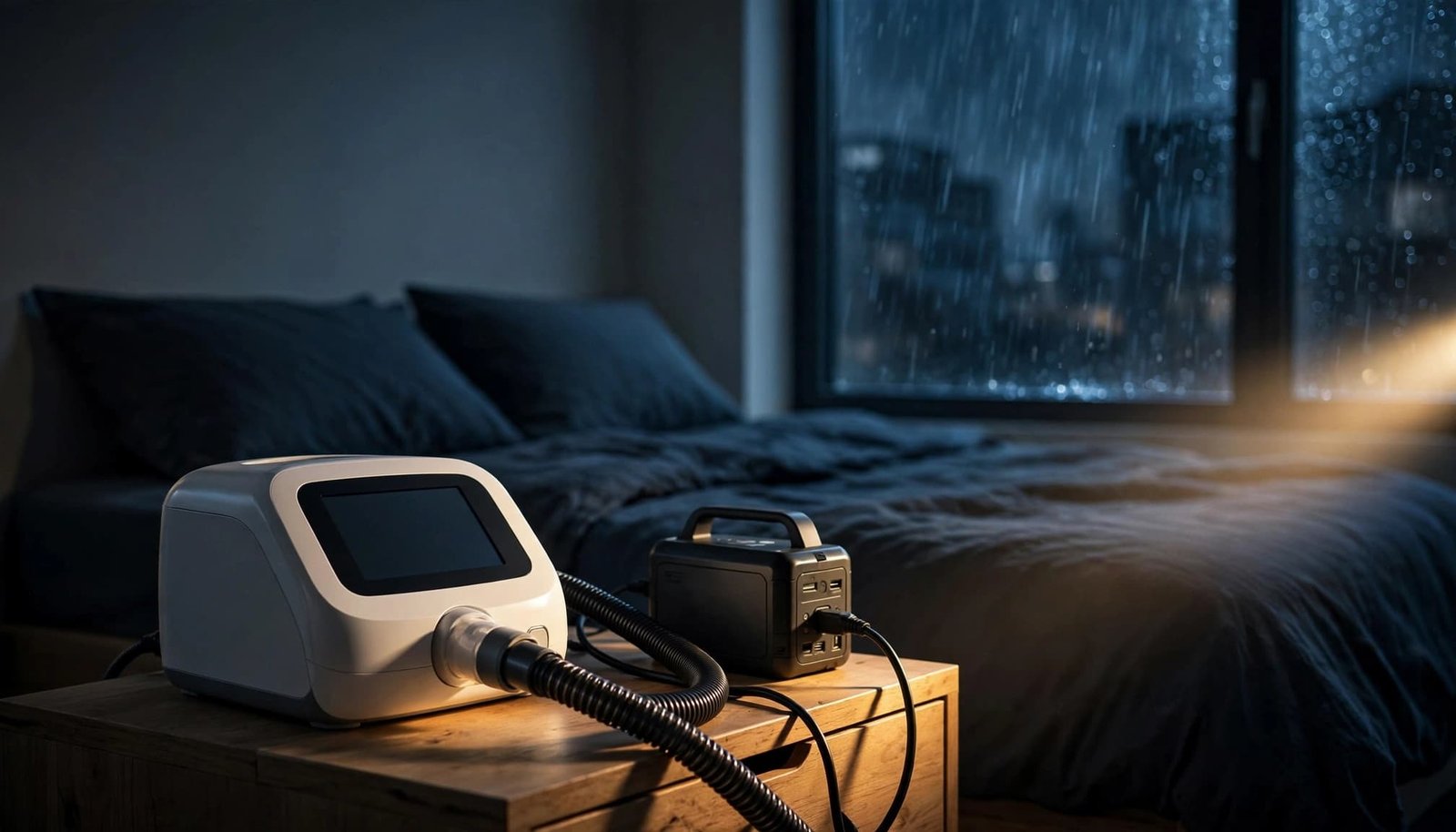
Choose backup power that fits your CPAP
The best CPAP battery backup is one that works with your exact machine and settings for the hours you need. A capacity label alone can’t promise a full night. Check the device’s power requirements, permitted connections, and the battery’s continuous output before buying.
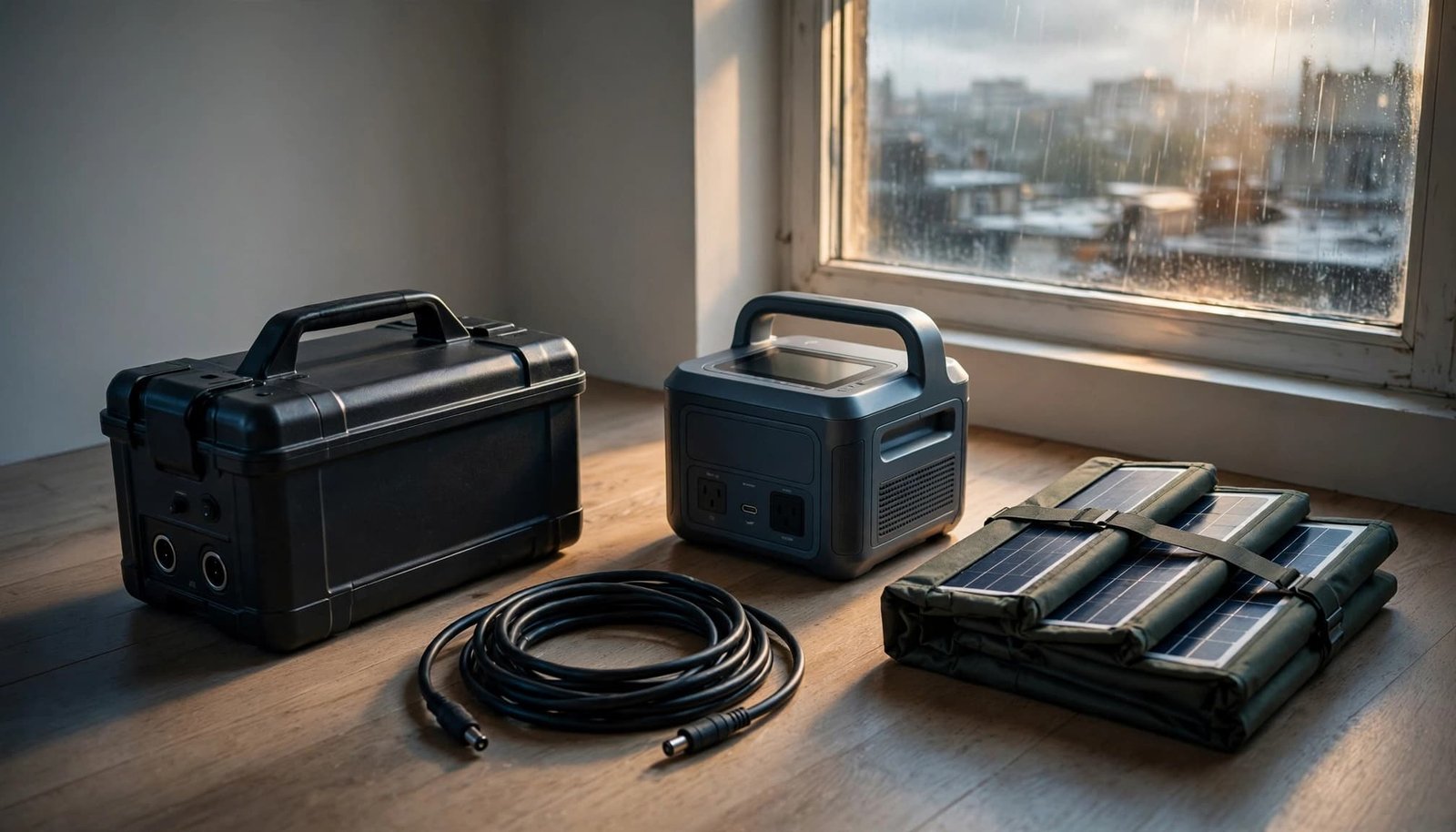
Dedicated batteries and portable stations
A dedicated CPAP battery is compact and may offer a compatible DC connection. Some setups need a model-specific cable, so confirm the full connection path. ResMed says its RPS II battery can provide up to 13 hours under its stated conditions. That figure isn’t a promise for every machine or set of accessories; ResMed’s battery guidance also explains how its setup connects. The same checks apply to a travel CPAP machine: confirm its power needs and compatible connections.
A portable power station offers more flexibility. Its AC outlet may let you use the CPAP’s original power supply, and some stations can charge a phone too. That flexibility takes space and stored energy, so running other devices leaves less for therapy. For apartment residents, a battery station is generally more practical indoors than a fuel-burning generator.
Where a computer UPS fits
A computer uninterruptible power supply, or UPS, may bridge a short outage without requiring you to wake up and move a plug. It isn’t automatically an overnight solution. Check its runtime at your CPAP’s actual load, its output waveform, and your machine manufacturer’s guidance.
Likewise, don’t assume a portable station switches to battery power without interrupting therapy. A station’s AC outlet and a true uninterrupted transfer are different features. If automatic switching matters, verify the product’s specifications and test the complete setup while you’re awake.
Calculate how much battery capacity you need overnight
Battery energy is listed in watt-hours (Wh), while power draw is listed in watts (W). Multiply the machine’s measured running watts by your planned sleep hours for a starting estimate.
Measure the setup you actually use
Check your machine manual first, then ask your equipment supplier about approved battery connections. If you plan to use the original wall adapter with a power station, a plug-in watt meter can measure that AC setup. Test during normal use with your usual humidifier and heated tubing settings. Readings can change as accessories cycle, so test the complete setup for your planned sleep hours to estimate battery runtime.
Don’t treat the maximum wattage printed on a power supply as the machine’s steady overnight draw. A reading taken at the wall describes that AC connection, not necessarily what a direct DC connection would use.
Add room for losses and uncertainty
Suppose a complete setup averages 20 W for eight hours. That’s 160 Wh before allowing for conversion losses, battery limits, and a reserve. A 250 Wh station might be a sensible size to investigate, but only a test can confirm whether that combination lasts the night. Higher pressure needs or heated accessories can change the result sharply.
For an extended outage, estimate each night separately and identify how you’ll recharge. Battery capacity on the label alone doesn’t prove overnight performance. An exact-device battery planning worksheet can help you account for the machine, accessories, connection method, measured load, and a reserve. Those details are more useful than a claim that a battery “runs CPAPs for two nights.”
Make each watt-hour last longer
Once you’ve chosen a compatible battery, your CPAP settings and connection method have a big effect on runtime. Change comfort features only as your clinician or equipment supplier advises. Keep prescribed therapy settings intact.
Turn down heated accessories first
Heated humidification and heated tubing can use substantial power. If you can comfortably use your machine without them, switch off the heat before sleeping on battery power. You may still be able to use unheated humidification if your machine permits it; check its instructions.
Practice on a normal night rather than discovering during a storm that dry air makes therapy miserable. Put your preferred outage settings on a paper card near the machine so you don’t have to hunt through menus by flashlight.
Use DC only with the correct adapter
A compatible DC power adapter can avoid the extra conversion involved when a battery supplies AC through an inverter and the CPAP’s wall supply converts it again. The savings depend on the equipment. More importantly, voltage, connector, and polarity must match your machine’s requirements.
Never splice a cable or assume a computer charger will fit because the plug looks familiar. If the approved DC path is unclear, ask the manufacturer or supplier. Using the original power supply with a suitable AC-output station may be the simpler choice.
Set up the bedside backup before you need it
A battery sealed in a closet is a reassuring object, but it isn’t yet an outage plan. Charge the backup battery, such as a portable power station, according to its instructions. Store the correct cable with it, and keep both within reach from bed so you don’t cross a dark room.
Test the transfer while you’re awake
Run the CPAP on backup power with your actual mask and accessories. Confirm it starts, delivers therapy, and continues running. If you need automatic switching, disconnect wall power during a supervised test and check whether treatment continues without interruption.
Then test runtime under normal conditions. Recharge the battery afterward, and repeat the check periodically because stored batteries discharge and age. Keep the machine’s manual, supplier number, and any clinician instructions with your emergency supplies.
Keep the setup safe in a small room
Place batteries on a stable, dry surface with clear ventilation. Keep bedding and curtains away from vents, and use only manufacturer-approved charging equipment. If your unit uses a lithium-ion battery, follow the manufacturer’s charging, temperature, and storage instructions. Stop using a battery that is damaged, swollen, or unusually hot.
Ask your landlord or building manager about approved backup equipment and what happens to elevators during outages. If stairs are difficult for you, plan where you could receive care before a blackout limits building access.
What to do when the lights go out
A familiar sequence beats a midnight cable treasure hunt:
- Wake and check your breathing. If the machine has stopped, remove the mask while you assess the situation. Call for urgent help if you have serious breathing difficulty.
- Turn on a flashlight or battery lantern. Check for hazards before reaching around outlets or cords. Avoid candles near bedding and oxygen equipment.
- Connect your tested backup. Follow the machine and battery instructions, then confirm the CPAP is running and delivering air. Don’t assume a lit battery display means therapy has resumed.
- Check the outage and remaining charge. Use official utility updates, conserve your phone, and decide early whether your backup can cover the night.
If you have no workable power source, follow your prescribed CPAP plan for obstructive sleep apnea and contact your equipment supplier or care team for advice. Don’t alter prescribed pressure settings to stretch a battery. Keep your emergency contacts on paper in case your phone runs flat too.
Prepare for an outage that lasts more than one night
One charged backup battery solves only the first night unless you have a dependable way to recharge it. A compatible vehicle charger may help if you can reach a car safely. Keep a running vehicle engine outdoors, never in a garage or other enclosed space. Never use a gas generator indoors, in a garage, or near windows because of carbon monoxide. Follow the battery maker’s charging instructions.
Solar panels can recharge some portable stations, but shade, clouds, short days, and building rules limit what an apartment setup can deliver. Treat solar as a possible refill, not guaranteed overnight therapy. In an apartment, check whether solar panels can be placed safely and legally; don’t balance equipment on a window ledge or block a shared exit.
For a prolonged blackout, make an emergency plan by identifying a place with dependable power before your battery gets low. Building access, heat, and transportation may become bigger problems than the CPAP cord. Plan a recharge or relocation before another night without therapy causes sleep deprivation. If you rely on more than one powered medical device or essential support, ask your care team which equipment takes priority. Also ask when to relocate, since prolonged interruptions can pose health risks.
Will insurance pay for a CPAP backup battery?
Don’t count on automatic coverage. ResMed says most insurers don’t cover CPAP batteries because they may classify them as convenience items. Medicare’s CPAP coverage information explains coverage for obstructive sleep apnea therapy and accessories. But it doesn’t establish routine coverage for a standalone outage battery.
Before buying, ask your insurer whether your specific battery and circumstances qualify for insurance coverage. Request the answer in writing, along with any documentation requirements. Your equipment supplier can help identify compatible options, but an insurance answer and a compatibility answer are two separate things.
Key Takeaways
- Confirm how your exact mask behaves when airflow stops, and follow your clinician’s plan if you depend on essential breathing support.
- Size backup power for your setup and sleep hours, then test it. Extra capacity can help prevent missed nights and sleep deprivation.
- Turning off heated accessories may extend runtime; never change prescribed pressure to save power.
- Keep the charged battery, approved cables, flashlight, and emergency contacts within reach.
Frequently Asked Questions
Can a regular phone power bank run a CPAP?
Usually, a USB power bank meant for phones isn’t a ready-to-use CPAP backup. Some CPAP setups have approved battery and adapter arrangements, but a USB socket alone doesn’t establish the right voltage, output, or runtime. Check your machine’s requirements and use only a compatible connection.
Is it safe to sleep with the CPAP connected to a power station?
Use a setup that both manufacturers permit, on a dry, stable, ventilated surface away from bedding. Test it while awake first. Check whether the station can supply power continuously overnight and whether its AC output or DC adapter suits your machine.
Will my CPAP restart when electricity returns?
Restart behavior varies by machine and settings. Check your manual and test your device rather than counting on an automatic restart. After power returns, confirm therapy is running, inspect the setup for problems, and recharge the backup for next time.
A reliable night starts before the blackout
When the room goes quiet, you shouldn’t have to guess whether your CPAP is getting power. A tested connection and realistic runtime estimate turn a frightening interruption into a plan you can follow.
Check your exact equipment, practice the switch while you’re awake, and keep the charged backup beside the machine.