When the lights go out, the bigger risk may arrive when they come back on. A sudden voltage spike can damage electronics that seemed perfectly safe during the blackout.
Knowing what to unplug during an apartment power outage helps protect expensive devices when you have limited access to breakers or building wiring. A short priority list, safe handling habits, and a prepared outage kit can prevent a stressful situation from becoming a costly replacement bill.
What to Unplug During an Apartment Power Outage to Protect Electronics From Surges
Disconnect sensitive electronics as soon as it is safe to move around your apartment. The goal is to create a physical break between the device and the outlet before electricity returns.
FEMA’s power outage guidance recommends disconnecting appliances and electronics to help prevent damage from electrical surges. Switching a device off is not enough. Turning off a power strip is also less reliable than pulling its plug from the wall.
Start with equipment that has circuit boards, processors, storage drives, or charging systems. That includes:
- Televisions, streaming devices, game consoles, soundbars, and speakers.
- Desktop computers, laptops, monitors, printers, external drives, routers, modems, and smart home hubs.
- Phone, tablet, camera, and rechargeable tool chargers.
- Small appliances with digital displays, timers, touch controls, or programmable settings.
Unplug computers, TVs, game systems, and home office equipment first
Computers and networking gear should lead your list. A power interruption can interrupt work, while a surge can damage a power supply, motherboard, modem, or router. An external hard drive also needs protection, especially if it holds your only copy of important files.
First, save open work if power is still available. Then shut down a computer normally, switch off the monitor, and remove each plug from the outlet. Disconnect the router and modem too, because a surge can travel through power lines and can also affect connected equipment.
For remote workers, keep the shutdown routine simple: computer, monitor, docking station, printer, external drive, router, modem. Labeling these plugs ahead of time makes the process much faster in the dark.
Disconnect kitchen appliances and chargers with electronic controls
Microwaves, countertop ovens, air fryers, coffee makers, and programmable slow cookers contain electronic controls that can be affected by unstable power. Pull the plug on these appliances after you disconnect high-value electronics.
Unplug all chargers, even if no device is attached. A charger is still connected to the outlet and can fail during a surge.
A refrigerator is different. It normally needs to remain plugged in to protect your food once power returns. Keep the refrigerator and freezer doors closed, as Southern California Edison advises during outages. Only disconnect a refrigerator if the outage will last a long time and you have another safe way to store perishable food.
How to Safely Unplug Electronics During an Apartment Power Outage
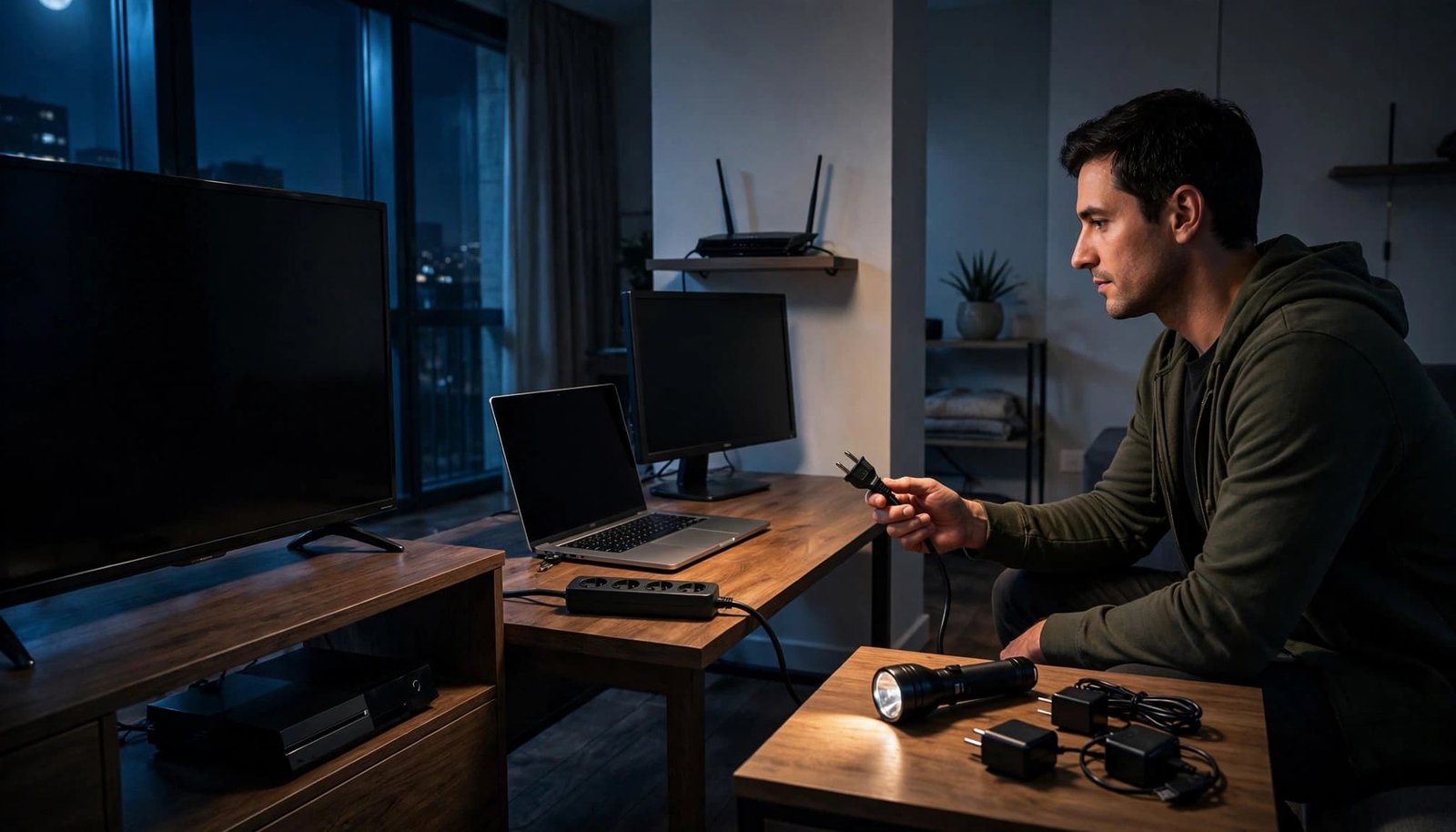
A blackout changes the conditions around every outlet. Use a flashlight instead of candles, keep your hands dry, and watch where you step. Never reach behind furniture if the area is wet, damaged, or difficult to see.
Grip the solid body of the plug, then pull it straight out. Do not yank a cord, since that can loosen wiring inside the plug or damage the cable. If an outlet feels hot, smells burnt, buzzes, sparks, or shows discoloration, leave it alone and report it to building management.
Follow a room-by-room shutdown checklist
Moving through your apartment in the same order prevents missed devices and unnecessary backtracking. Begin where you keep your most sensitive equipment, then work toward appliances.
A practical sequence is:
- Shut down the home office and disconnect computers, monitors, printers, drives, routers, and modems.
- Unplug the television, game consoles, streaming equipment, speakers, and charging stations.
- Disconnect countertop appliances, chargers, and nonessential kitchen devices.
- Check bedrooms, bathrooms, and laundry areas for chargers, smart devices, and small appliances.
Leave unplugged devices disconnected until the power has stayed steady. Avoid opening the electrical panel unless your lease, building policy, and local rules clearly make it your responsibility.
Do not investigate electrical damage yourself
A frayed cord, wet floor, or scorched outlet is a building safety issue, not a renter repair project. Keep away from standing water near outlets or appliances, and don’t touch any electrical equipment that was exposed to water.
The U.S. Fire Administration’s electrical safety guidance also warns against overloading power strips. During restoration, a crowded strip can heat up or trip, particularly when several appliances try to restart at once.
An outlet that buzzes, smells burnt, sparks, or feels hot needs professional attention before you reconnect anything.
Which Apartment Systems Must Stay Connected
Some equipment needs power or a planned backup. Before pulling plugs, identify devices that protect life, health, food, or your apartment from water damage.
Smoke alarms with hardwired connections should remain in place. Do not unplug or disable any building fire equipment, hallway alarms, security systems, or devices related to elevators and shared services. Your property manager controls those systems.
Keep medical and essential equipment on a backup plan
Do not disconnect required medical equipment without a safe backup battery, an approved generator plan, or direction from a medical provider. If you rely on an oxygen concentrator, CPAP machine, powered mobility device, or refrigerated medication, plan before an outage occurs.
Ready.gov advises people who depend on medical devices to prepare alternate power and medication storage options during outages. Keep emergency contacts on paper, since your phone may not have service or charge.
Sump pumps are uncommon in upper-floor apartments, but they may be important in a ground-level unit. Leave them connected if they protect your home and have an appropriate backup arrangement. Refrigerators should also remain connected unless food safety requires another plan.
Why Restored Power Can Damage Electronics
The outage itself usually does not harm a switched-off device. Trouble can occur when electricity returns and voltage changes abruptly. Storm damage, utility work, transformer problems, repeated on-and-off cycling, and faults in building wiring can all create unstable conditions.
That is why what to unplug during an apartment power outage includes more than obvious items such as televisions and computers. Any appliance with a circuit board can be exposed when power restoration is rough.
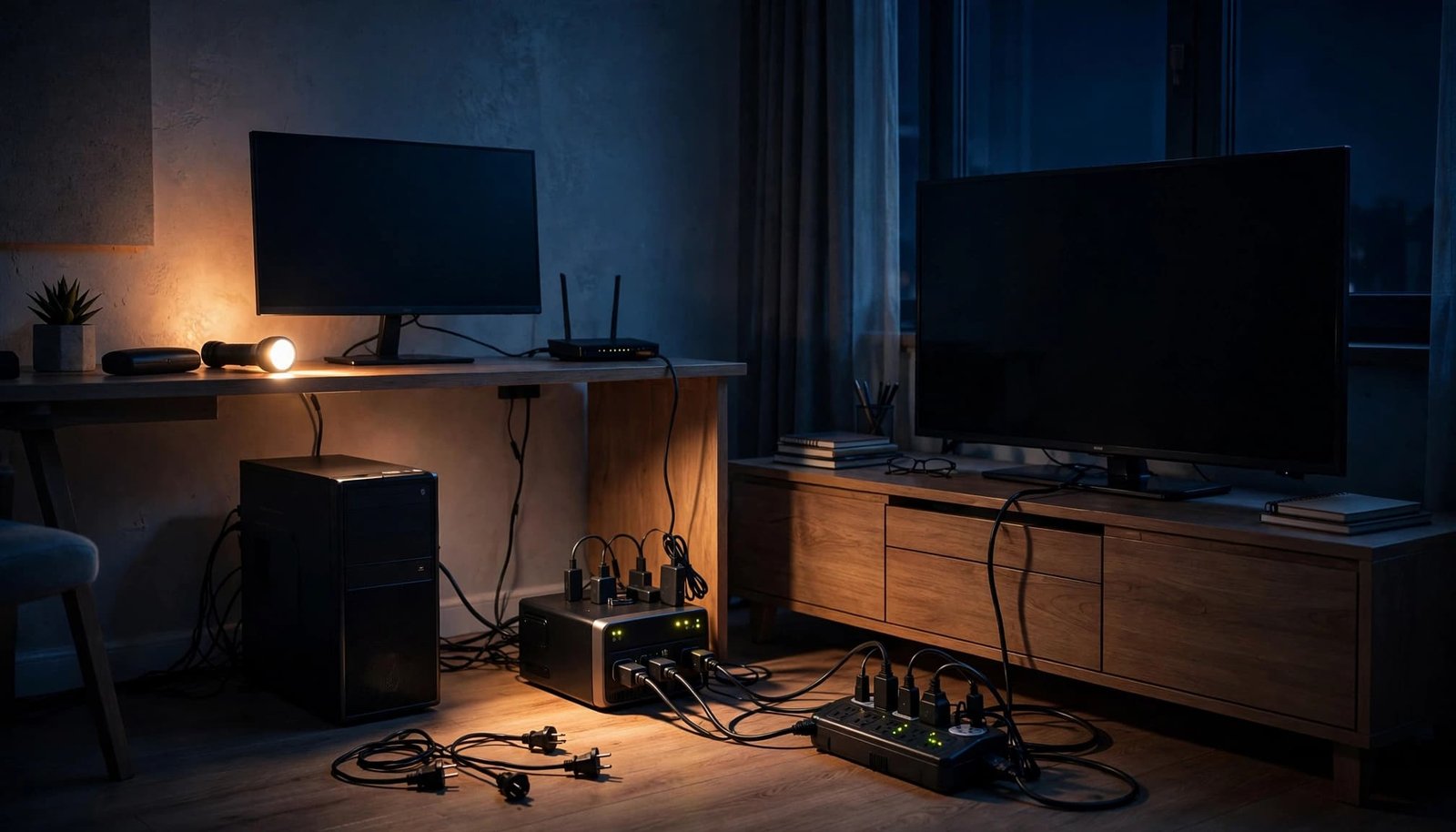
A surge protector can reduce risk, but it is not the same as a basic power strip. A plain strip adds outlets. A surge protector is designed to direct some excess voltage away from connected equipment.
Understand the limits of surge protectors and UPS systems
A quality surge protector is useful for a television setup or home office. Look for a protection indicator light, a clear warranty, and certification from a recognized testing organization such as UL. It should also have enough outlets to avoid daisy-chaining strips together.
Surge protectors have a limited service life. Their joule rating measures how much surge energy they are designed to absorb, but no rating guarantees protection against every electrical event. Replace a unit when its protection light no longer works or after a serious surge event.
An uninterruptible power supply, or UPS, can keep a computer, modem, router, or monitor running briefly. It gives you time to save work and shut down properly. However, a UPS is not a substitute for unplugging equipment during a long or severe outage.
Pedernales Electric Cooperative recommends unplugging electronics during extended outages, even when surge protection is available. A removed plug offers the strongest separation from the outlet.
When It Is Safe to Plug Electronics Back In
Do not reconnect everything as soon as a lamp turns on. Wait several minutes and watch for flickering lights, dimming, repeated outages, or unusual sounds from appliances. Check utility alerts and messages from building management if the outage affected the wider area.
Reconnect essential equipment first. Then plug in other devices one at a time, beginning with the refrigerator if it remained disconnected. Give each item a moment before restoring the next one.
If a breaker trips after you reconnect a device, unplug that item and stop. A hot outlet, burning odor, buzzing sound, or visible spark requires building maintenance or a licensed electrician. Do not test the outlet repeatedly.
Power may return in several short bursts after a storm or equipment fault. Waiting through that unstable period protects your electronics better than rushing to restore your usual setup.
Prepare Your Apartment Before the Next Blackout
Preparation turns a sudden outage into a manageable routine. Keep a flashlight near your bed and another near your main electronics. Store spare batteries and a charged power bank where you can reach them without opening cabinets in the dark.
A small apartment outage kit should include a printed contact list, surge-protected power strips, a UPS for selected work equipment, and a written unplugging list. Mark important plugs with plain tags or colored ties so you can identify the right cable without tracing it behind a desk.
Ask your property manager who handles electrical emergencies, how the building communicates outage updates, and whether common areas have whole-building surge protection. You should also know whether your lease requires tenants to report a tripped breaker or damaged outlet.
Power Outage US’s safety checklist also recommends keeping a safe distance from downed power lines. If you see one near your building, stay away and call emergency services or the utility provider.
A Simple Routine Protects Expensive Equipment
The safest response to a blackout is to unplug sensitive electronics and nonessential appliances once conditions are safe. Leave medical devices, life-safety equipment, and other essential systems connected only when they have an appropriate backup plan.
Wait for stable power before reconnecting devices, and plug them in gradually. A flashlight, labeled cords, and a short checklist can protect your apartment electronics when power returns unpredictably.