A dark keypad is an unwelcome greeting, especially when your groceries are getting heavier by the second. During an electronic lock power outage, your entry options depend on which system failed: the lock’s batteries, its connection, or the building’s power.
During a power failure, your safest route is a documented backup method, followed by authorized help if that fails. First, distinguish your apartment door from the shared entrances you need to pass through.
Key Takeaways
- Identify whether the outage affects your apartment lock, a shared entrance, or the network; each may use a different power source and need a different response.
- Use only the lock’s approved backup method, such as its key override or supported emergency battery procedure. Don’t force the door, guess codes repeatedly, or improvise wiring.
- If a backup fails, contact building management or authorized help and follow the designated access procedure. Never wedge open or alter a shared entrance.
- Keep emergency egress separate from entry troubleshooting: report any blocked escape route urgently, and follow building evacuation instructions during an emergency.
- Prepare before the next outage by keeping an authorized key, offline instructions, a flashlight, and management’s emergency contact within reach.
Identify Which Door Has Lost Power
Your apartment deadbolt and lobby reader may use completely different power sources. A working apartment lock won’t help if the shared entrance loses access during a power failure.
Many residential smart locks are electromechanical locks powered by internal batteries. A building blackout doesn’t automatically drain them. However, a power failure can stop a router, hub, intercom, or access controller, interrupting some entry methods.
These distinctions help narrow the problem.
| Door or system | What may fail | What to check |
|---|---|---|
| Battery-powered apartment lock | Internal batteries or lock electronics | Approved key override or emergency power method |
| Shared entrance with electric strikes | Reader, controller, strike, or power supply | Management’s designated outage entrance |
| Shared entrance with magnetic locks | Reader, controller, or power supply; the magnetic holding force may change | Building-specific backup and release procedure |
| App-based entry | Phone, network, hub, or cloud connection | Supported local entry or physical backup |
A battery backup may keep some shared equipment running, depending on the system. Electric strikes come in different configurations, and a reader’s appearance won’t identify the door hardware or installed lock.
The fail-safe vs fail-secure distinction describes powered locking behavior, not the entire escape route. Fail-safe means a lock unlocks when power is removed. Fail-secure means it stays locked when power is removed. Neither label explains every detail of exiting; electric lock releases may use separate controls.
Ask management which doors use each arrangement and how they work during an outage. A little blinking light is a poor substitute for a building-specific answer.
Check the Door Without Making the Problem Worse
Separate a dead lock from a connection problem
First, use a flashlight to check the keypad and surrounding hardware. Note whether the lock lights up, beeps, or tries to move.
During a connection issue, a fingerprint scanner or keypad may behave differently from the smartphone app. Keyless entry systems vary by model, so don’t assume every entry method works offline.
Check nearby conditions too. Hallway emergency lights may stay on during a power failure, while a responsive keypad with a struggling motor can point to low batteries or a mechanical problem. If a shared door fails during a power failure, electric strikes may be the issue, not your apartment lock.
Record the exact message or sound pattern. That gives maintenance something more useful than “the door is having a moment.”
Try normal operation, then stop
Make one careful attempt using your usual entry method. If the lock indicates it’s unlocking but the door sticks, use only normal handle pressure.
Don’t kick the door, pry the door frame, or repeatedly force the key. Stop if a key won’t turn normally, the hardware behaves abnormally, or an escape route is affected.
Avoid factory resets and repeated guesses at codes. A reset may remove access settings, while repeated wrong entries may trigger a temporary lockout.
If there’s smoke, fire, a medical emergency, or another immediate danger, prioritize emergency assistance over lock troubleshooting. Move to a safe location whenever possible.
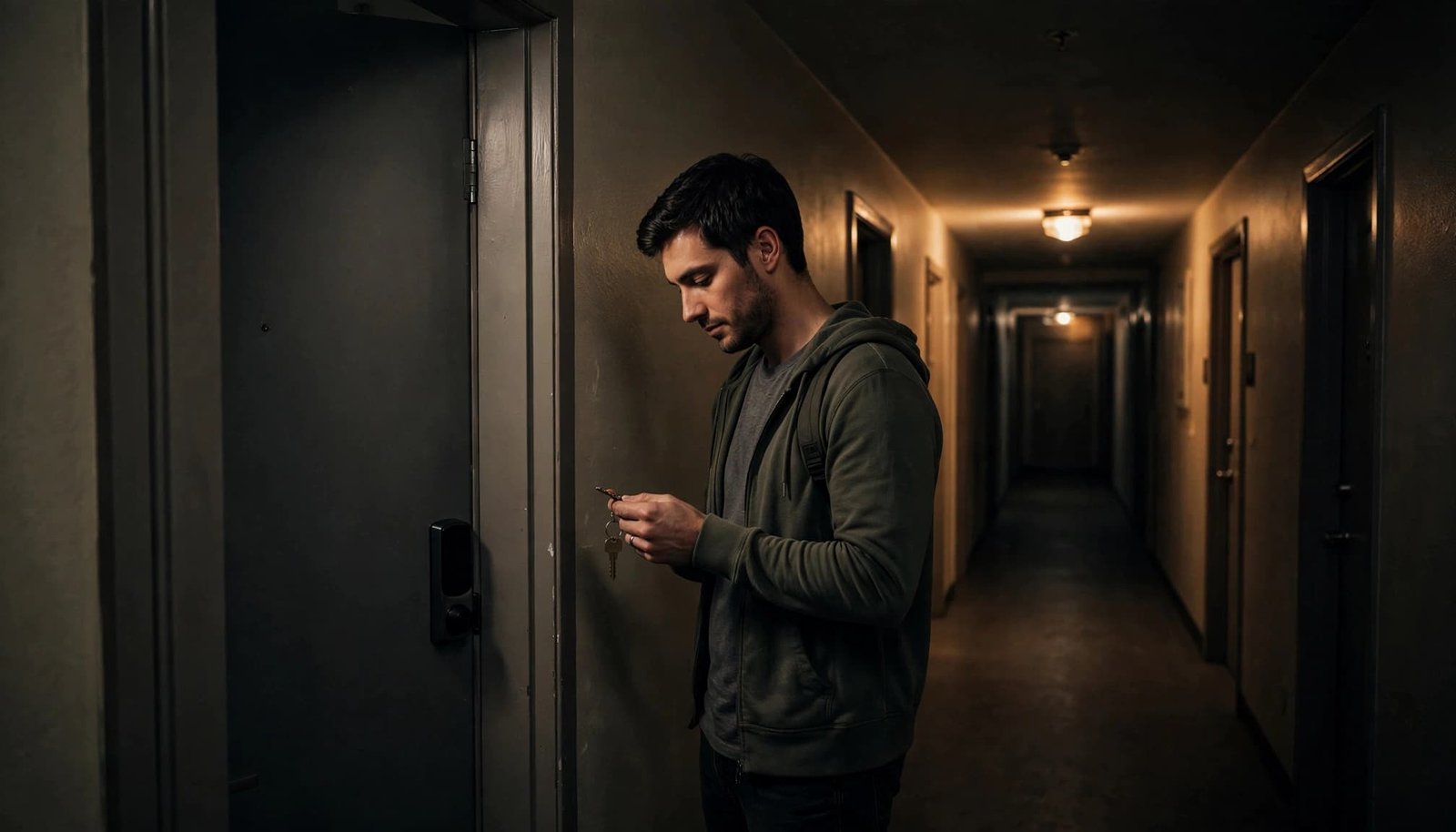
Use the Lock’s Approved Backup Entry Method
A traditional key can bypass dead electronics
Some smart locks retain an ordinary key cylinder. For example, the Schlage Sense user guide describes a key override for a completely depleted battery or an unknown access code.
A smart multipoint lock is one example of why you should check the exact model’s manual. A power failure doesn’t mean every electronic lock has the same override.
Use the correct key and follow the model’s instructions. A key cylinder may sit behind an exterior cover, but don’t remove parts unless the manual directs you to.
The practical snag is key location. A backup key inside the locked apartment has chosen the wrong side of the assignment.
Carry the landlord-issued key if your lock supports one. If you don’t have it, ask management whether they hold an authorized override key and how after-hours access works.
Emergency power restores operation on supported models
Some keyless locks accept temporary external power when their internal batteries die. Schlage’s Touch emergency battery instructions describe a battery jump-start procedure.
Follow the exact battery type, contact placement, and operating sequence in your model’s manual. Temporary power usually lets you operate the lock, but it doesn’t replace the need for a valid credential.
Don’t connect a power bank to an unidentified port or improvise wiring. Different locks use different arrangements.
If there’s an immediate safety concern, use your escape route and leave troubleshooting for later.
Once inside, replace accessible batteries only if you’re authorized to maintain the lock. Use the specified fresh batteries, confirm their orientation, and close the compartment fully. Then follow the manufacturer’s test procedure.
If battery replacement doesn’t solve the fault, report it. Don’t open wiring compartments or try a generic reset trick.
Arrange Authorized Access When Backups Fail
Contact the building’s emergency maintenance line, concierge, or property manager. Describe the affected door, when the problem started, and what the lock does during the power failure.
Explain whether other residents can enter. A shared entrance fault involving electric strikes needs a different response than one dead apartment deadbolt.
Ask for the designated outage entrance, staff assistance, or an authorized locksmith. Ask management how electric lock releases work under the building’s approved access procedure. Don’t follow strangers through secure doors or wedge a shared entrance open, as either could enable unauthorized entry.
Before arranging a locksmith yourself, check the lease and management’s emergency procedure. Ask about authorization, identification requirements, the service charge, and potential damage costs. Prices and responsibility vary, so keep receipts and messages.
A working apartment key may still leave you outside during a power failure if the lobby has no approved backup entry route.
During a prolonged outage, wait somewhere safe if access or an escape route is affected. If management identifies a staffed, designated secure room or waiting area, ask whether you can wait there. Keep your phone on Battery Saver and save its charge for calls and updates.
If elevator access is unavailable, tell management about mobility needs. Getting through the lobby doesn’t solve an inaccessible trip upstairs.
Keep Entry Problems Separate From Emergency Exit Safety
A locked exterior doesn’t always mean a trapped resident
A fail-secure electric strike may remain secure against outside entry during a power failure while compatible interior hardware still permits exit. Electric strikes differ from magnetic locks, and behavior depends on the full installed assembly.
With magnetic locks, holding force and release behavior depend on the installed assembly, including the door frame.
Don’t assume a dark reader means your escape route is blocked or that you can’t leave. If normal interior operation fails, treat it as urgent and report any blocked escape route. Ask management to confirm approved emergency egress and how electric lock releases are designed to work.
Never alter a shared lock, disconnect its power supply, or open an access-control cabinet. Only building staff or qualified personnel should inspect or maintain the power supply unit. Renters shouldn’t have to become hallway electricians.
Report any door that binds, won’t open normally from inside, or blocks an escape route. During an emergency, follow the building’s evacuation procedures and responders’ directions to protect emergency egress. Keep the escape route clear.
Fire-alarm release requirements depend on the installation
Fire code compliance requirements for electric strikes and other locking arrangements vary with the installed system, adopted code, and local approvals. For example, the IBC’s means-of-egress provisions address permitted electrical locking arrangements.
Also, Allegion’s iDigHardware explains that fire-protection requirements differ by locking arrangement. Fire alarm integration isn’t universal, and electric strikes may have different approved release behavior.
Ask management how this installation’s electric lock releases are intended to work during a power failure. Don’t test them by cutting power or activating alarms.
A backup power installation must preserve the approved electric lock releases and required exit controls. Keeping a lock powered must never defeat its approved exit controls.
Prepare Renter-Friendly Backups Before the Next Outage
An electronic lock power failure plan should fit in your bag, not require a workshop. The important supplies are the ones you can reach while outside.
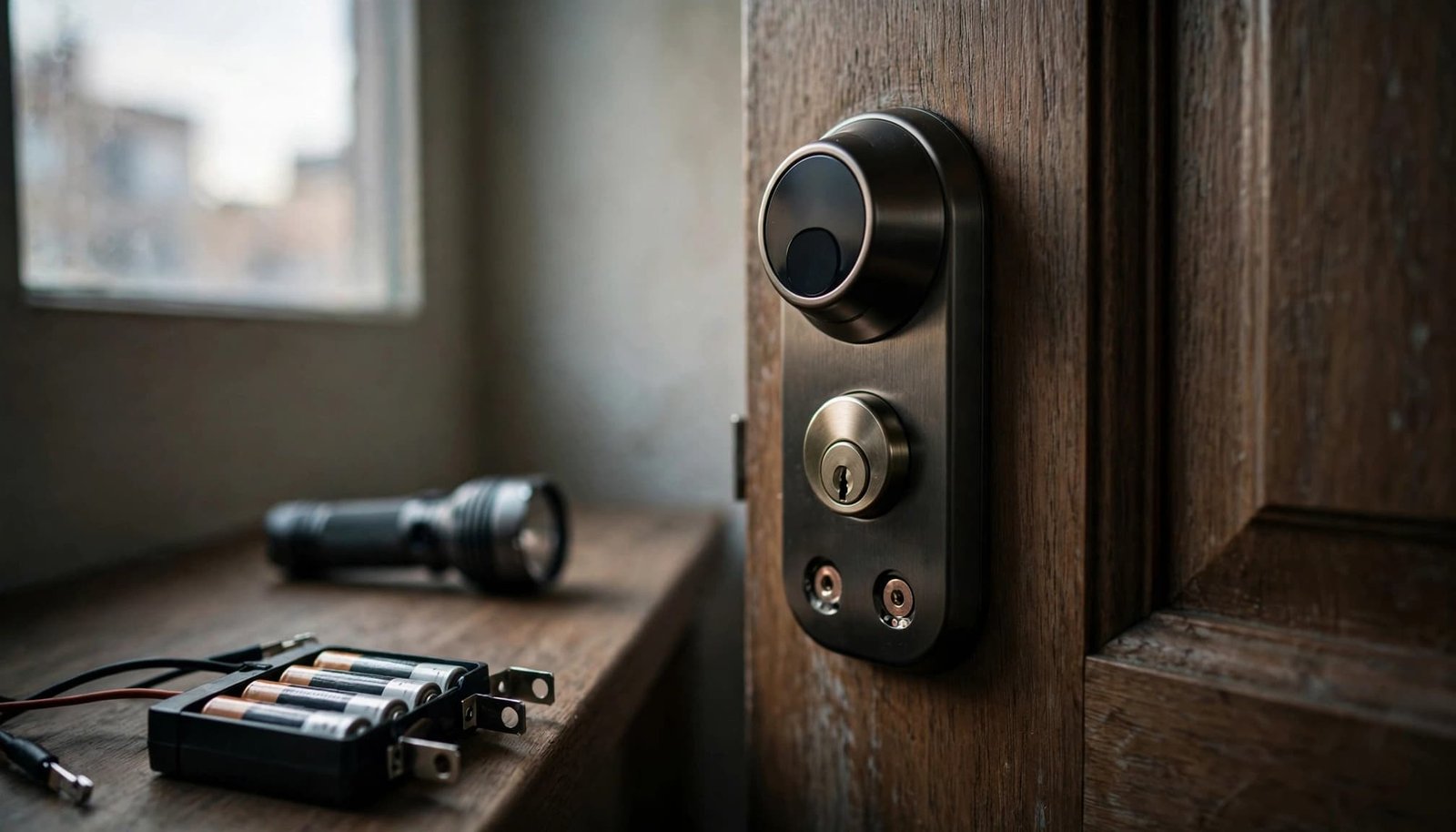
Keep your preparation focused:
- Carry the authorized mechanical key, if supplied, and keep management’s emergency number on paper.
- Store the lock’s model number and backup instructions offline. Building equipment, including any battery backup, is management’s responsibility.
- Keep a small flashlight and charged phone power bank handy. Know your escape route and where to wait safely if entry fails. Use a staffed secure room only if management has designated one.
Ask management which electric strikes or magnetic locks are covered by the building’s access control system, how its battery backup is tested, and who confirms how electric lock releases behave. Also ask who maintains the electric strikes and which entrance residents should use. Confirm emergency lighting, elevator procedures, and the posted escape route.
A battery backup’s runtime depends on usable energy and the combined load of locks, readers, controllers, and other equipment. Usable watt-hours divided by total watts estimates operating hours, before losses and reserve requirements.
That arithmetic doesn’t tell a renter what equipment to install. Management needs an approved, compatible power supply and a qualified installer to account for emergency release controls. Holding force is system-specific, so residents shouldn’t test or adjust it.
Don’t attach your portable power station to shared access equipment. It can keep your phone useful, but it isn’t a substitute for the building’s access-control backup.
Finally, rehearse your own approved backup method while someone can let you in. Check that you know the escape route before an outage, so you aren’t learning the instructions under emergency lighting.
Check Access Again After Power Returns
When electricity returns, don’t assume readers, electric strikes, and app functions recover at the same time after a power failure. Give building staff time to confirm shared systems are operating.
Once you have safe access, check the lock’s battery status and normal operation. Test only authorized functions, using a key or another reliable way back inside. You can use the smartphone app to check an authorized function, but don’t rely on it alone. Confirm the door works from inside and outside, keeping your escape route clear.
Report lingering error messages, repeated motor failures, or a door that no longer latches. Include photos of visible damage and the time of the fault.
If you changed batteries, confirm the compartment is fully closed. Don’t leave the apartment until you’ve checked that the door locks, reopens, and keeps your escape route usable.
Frequently Asked Questions About Outage Entry
Will my smart lock work without Wi-Fi?
Some models support keypad or Bluetooth access without Wi-Fi. Others need additional equipment for certain functions. Check your model’s manual rather than assuming the app and keypad share the same requirements.
A charged phone still can’t operate a lock with completely depleted internal batteries.
How long will the building’s lock backup last?
There’s no universal runtime. Battery condition, system load, and the installed power supply all matter. Ask management for the tested duration and the procedure when backup power runs out.
Don’t assume a standby generator powers every entrance reader, intercom, elevator, or garage door. Each system needs its own confirmed plan. Backup runtime doesn’t confirm whether an interior escape route remains available. Follow building instructions if exit access is affected.
Make Your Backup Reachable
During a power failure, a dark keypad is easier to handle when you know the lock’s power source and approved override. Know the building’s escape route, too. Your strongest preparation is a reachable backup, plus a building contact who can arrange authorized access.
Carry the right key or emergency battery, save the instructions offline, and make sure the escape route remains usable. The groceries may still get heavy, but the door won’t leave you guessing.