Your lights go out, your phone suddenly loses its bars, and a service interruption makes the person you need feel farther away. During a cell service blackout, try emergency calling if you need immediate help, then check working Wi-Fi or another carrier.
The safest plan protects communication options, rather than depending on one phone with an impressive battery percentage. For apartment households, a few compact backups and clear check-in arrangements can save plenty of hallway guesswork.
Key takeaways
- Try 911 for an actual emergency even if your iPhone shows SOS, but don’t assume the call will connect.
- Wi-Fi calling needs working internet and carrier support; a powered router alone isn’t enough.
- Another carrier can provide a backup, but two brands may share the same network.
- Keep a charged power bank, paper contacts, a battery radio, and an agreed household meeting place.
How do you reach 911 when cell service fails?
In the United States, call 911 for immediate threats, including a fire, serious medical problem, or downed power lines, to reach emergency services. Report routine power failures to your utility or property manager.
Try emergency calling before troubleshooting
An iPhone showing “SOS” or “SOS only” may still make an emergency call through another carrier’s network. Try 911 right away rather than waiting for your usual signal bars or confirming whether there’s a network outage.
If you connect, give your location early: street address, apartment number, floor, and any access obstacles. Explain what’s happening and follow the dispatcher’s instructions.
However, SOS isn’t a connection guarantee. Even with 911 reliability requirements, a call may fail when the necessary networks or equipment are unavailable. Never call 911 simply to test your phone.
If the call won’t connect
If voice calls fail or you experience dropped calls, try another person’s phone, preferably on a different underlying network. A working Wi-Fi calling connection or functioning landline may also help.
If voice calling fails and your area supports text-to-911, try it. Give your location and emergency clearly, and watch for a response or failure message. Availability varies, so don’t assume an unanswered text reached dispatch.
If you still can’t reach help, ask a nearby neighbor or building employee to assist. Follow local emergency instructions. Going to a staffed emergency facility is an option only when travel is safe and doesn’t leave someone in danger.
What should you do when your phone says SOS?
Apple distinguishes SOS mode from “No Service” and “Searching.” SOS means your iPhone isn’t connected to its own cellular network but may have emergency access through another. Cellular data and calling availability can differ.
For a non-emergency, switch Airplane Mode on for at least 15 seconds, then turn it off. If service doesn’t return, follow these troubleshooting steps: restart your device once and check that your cellular line is enabled.
Repeated rebooting won’t repair a carrier outage. Neither will treating your settings menu as a slot machine.
When internet is available, check your wireless carrier’s official outage notices and local emergency updates. For example, if you suspect a Verizon outage, check Verizon’s official notices.
Compare signal strength with a neighbor using the same carrier, then someone using a different network. This can help you tell whether a network outage extends beyond one apartment.
Downdetector reports can reveal a surge in complaints, but they don’t establish the cause or prove an outage is nationwide. Likewise, losing service in one apartment doesn’t tell you what’s happening across the city.
Check again at a reasonable interval instead of constantly refreshing. Restoration estimates can change, and your battery has other responsibilities.
Can Wi-Fi calling work during a power outage?
Wi-Fi calling can carry calls over a working internet connection when cellular coverage fails. However, it still depends on your phone, carrier, account settings, and the carrier’s calling systems.
Enable it before you need it
Search your phone’s settings for “Wi-Fi calling.” On Google Pixel, the setting is under Settings, Network & Internet, SIMs, then Wi-Fi calling. Availability depends on carrier support.
Complete any required emergency-address setup. Add your apartment details where supported, and update the address after moving. During an emergency call, tell dispatch where you are.
Test the feature with an ordinary call before an outage as part of your troubleshooting steps. Save a Wi-Fi messaging option your household already uses, too. Internet-based messaging may work during some carrier failures, although the recipient also needs a connection.
Keep the entire internet connection powered
Your router, modem, and any separate fiber terminal may all need electricity. A battery backup helps only if your internet provider’s network also remains operational.
The FCC/FEMA emergency communications tips warn that broadband telephone service needs backup power during an electrical outage. Cordless phone bases need power, too.
For equipment planning, review how to keep Wi-Fi working during outages. Briefly test internet access with household power disconnected before relying on that setup.
A Wi-Fi symbol confirms a local wireless connection. It doesn’t prove your modem has internet access.
Will a second carrier or satellite option help?
A second connection is useful when it avoids the failed part of your first connection. Buying another device doesn’t automatically accomplish that.
Choose a different underlying cellular network
AT&T, T-Mobile, and Verizon each operate a major U.S. cellular network. Many smaller wireless brands use those networks, so check which network a wireless carrier uses before choosing a backup plan.
A compatible unlocked dual-SIM phone can hold a second line, including an eSIM. Activate it beforehand, test network coverage inside your apartment, and check its expiration rules and allowances.
A second carrier may restore voice services during a carrier-specific failure. During a confirmed Verizon outage, it may help only if it uses a different underlying network. Regional damage or power loss can affect several networks, and you may not reach someone whose carrier is down.
A hotspot on your failed network shares that failure. Its cheerful blinking light doesn’t create a new route.
Check satellite emergency features in advance
Apple offers Emergency SOS via satellite on supported iPhone 14 and later models in supported countries and regions. Availability depends on the device, software, location, and service conditions.
Learn your phone’s requirements and use its demonstration feature if available. Satellite connections generally need an outdoor location with a clear view of the sky.
Don’t count on using this feature inside an apartment or stairwell. During an emergency, follow the phone’s prompts, but don’t enter a hazardous area merely to obtain a better sky view.
How can apartment households stay in touch offline?
Send a brief status message early while service still works. Include where you are, whether you need assistance, and when you’ll check in next.
For family updates, text messaging may work when congested networks struggle with voice calls. However, delivery can be delayed, so a sent message isn’t proof that someone received it.
Choose an out-of-area contact who can collect household updates. Agree on a nearby meeting place and a second location outside the immediate neighborhood if your first choice becomes inaccessible.
Keep these arrangements on paper with phone numbers, medication information, and property management’s emergency contact. Together, these details support emergency communications. Add them to your family blackout kit, where everyone can find them.
Before an outage, ask management how residents will receive notices if apps, elevators, or electronic access systems fail. Include anyone who needs mobility assistance in that conversation.
A battery-powered radio provides another route to public information. Wireless Emergency Alerts depend on participating cellular networks, so your phone shouldn’t be your only alert source.
Neighbors can help with check-ins when shared areas are safe. Keep corridors clear and follow the building’s emergency procedures.
How do you keep a phone ready for help?
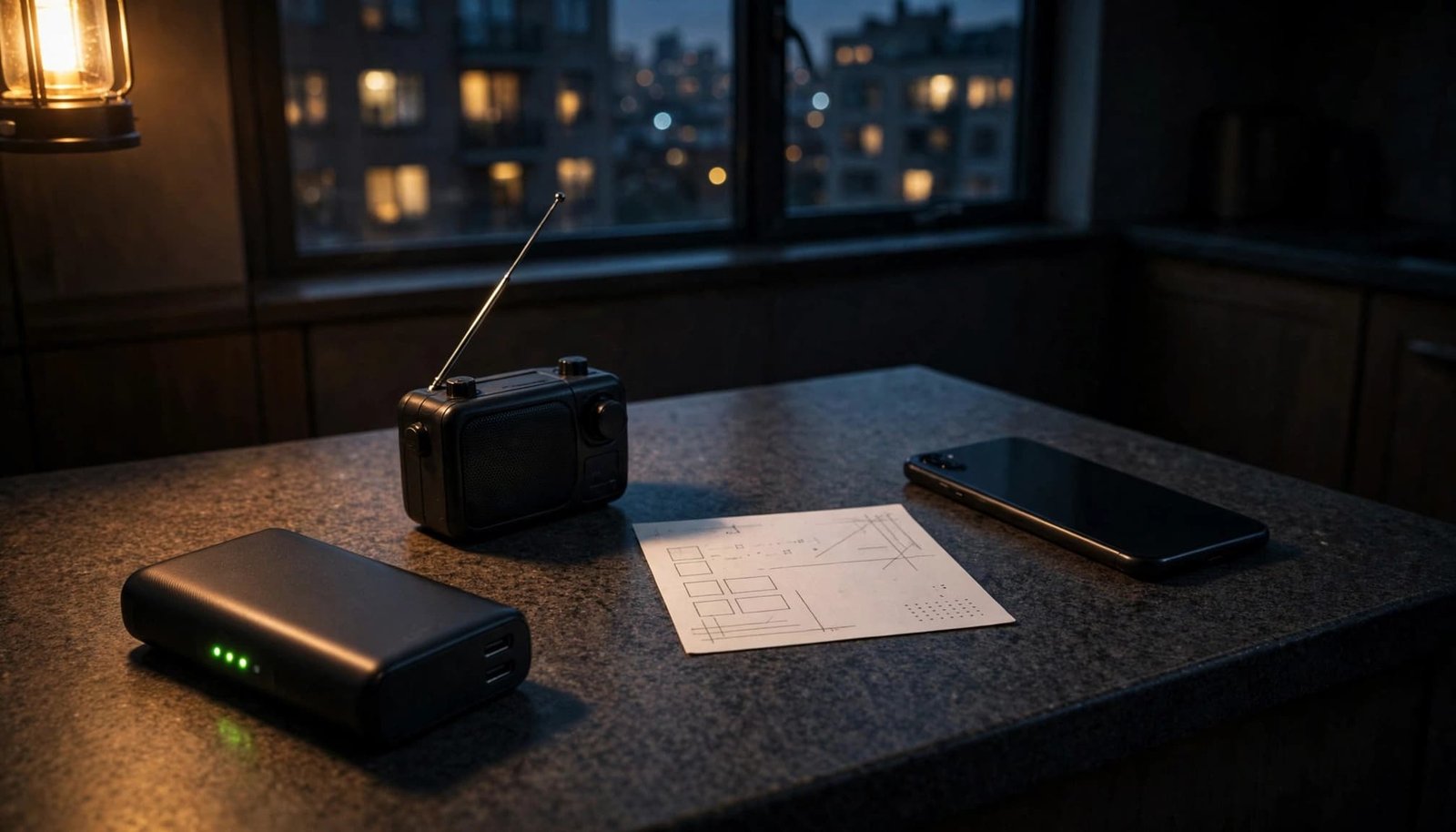
Keep a charged power bank and the correct cable together for the mobile device you rely on. A compact, accessible setup beats a larger battery buried beneath holiday decorations.
Turn on Low Power Mode or Battery Saver early. Lower screen brightness, shorten the screen timeout, and pause unnecessary downloads. Use a separate flashlight instead of spending phone power on room lighting.
In a multi-phone household, keep one phone available for calls and alerts while preserving another as a reserve. Protect a charging reserve rather than insisting every device stay at 100%.
When there’s no usable signal, turning a phone off between planned check-ins can save power. However, you won’t receive calls or alerts while it’s off. Airplane Mode also disables cellular connectivity, so turn it off before attempting cellular calls.
For longer outages, compare battery capacity in watt-hours and review your blackout phone charging options. Inspect batteries and cables periodically, and recharge them after use.
Frequently asked questions about a cell service blackout
Why can cell service fail after the lights go out?
Cell sites and network facilities need power, and backup batteries have limited capacity. Other network failures can also interrupt service. Don’t assume your household blackout caused the cellular outage, or assign a cause without confirmation. There isn’t a universal backup runtime you can safely apply to every cell site.
Will a landline work during a blackout?
A traditional telephone connected exclusively by wire may continue working, provided the telephone network remains available. However, a cordless base needs electricity. Internet-based phone service depends on powered equipment and working broadband. Ask your provider which type you have and what backup power it needs before relying on it.
Can you get an account credit for an outage?
Carrier policies and incident-specific offers vary by plan and incident. A refund or account credit isn’t automatic for every customer. Once urgent needs are covered, record the outage period, save official notices, and contact customer support. Ask your wireless provider which terms apply to your plan, whether a claim is required, and whether there’s a deadline.
Build a backup path before the next blackout
A cell service blackout is easier to handle when you’ve already chosen another way to reach help. Different dependencies matter: another carrier, working broadband, and offline arrangements each cover different failures.
Before the next service disruption, test Wi-Fi calling, charge your power bank, and write down contacts and meeting places. Your phone can remain useful without having to carry the entire emergency plan by itself.