The lights are back, but your electronics don’t need to restart all at once. After a power outage, protecting your electronics starts with stable power, dry outlets, and a gradual restart.
A lamp coming on after power restoration doesn’t prove the electrical trouble has ended, especially if service keeps flickering. Before you reconnect your computer, router, or television, use a simple sequence that puts safety ahead of the Wi-Fi reunion.
Key Takeaways
- Wait until power is stable before reconnecting sensitive electronics. Keep them disconnected if service flickers, repeatedly cuts out, or appliances struggle to start.
- Unplug computers, external drives, televisions, consoles, and networking equipment during an outage when you can do so safely. Keep medical and life-safety equipment on its established backup plan, and normally leave the refrigerator connected.
- Restart essential equipment first, then bring devices back one at a time. Power the modem or optical network terminal before the router, and stop using a circuit if a device trips its breaker.
- Surge protectors reduce certain risks but can’t make unsafe electrical conditions harmless. A Type 3 protector near sensitive equipment can complement whole-home protection.
- Choose a UPS for short interruptions or a portable power station for longer, modest loads. Estimate both watts and watt-hours, and account for battery losses and startup demand; keep food-safety time limits in mind during an outage.
Why can electronics get damaged when power returns?
Restoration surges can harm hardware
During a power outage, a switched-off device usually tolerates the loss of electricity itself. The greater hardware risk often comes during power restoration, when switching, damaged equipment, or wiring faults cause sudden voltage changes, including a power surge.
A transient surge can reach two or three times normal voltage, and severe events can be higher. That excess voltage can damage power supplies, circuit boards, and networking equipment.
Restoration isn’t the only danger. Lightning, sustained abnormal voltage, and electrical faults can also damage connected devices. A surge protector reduces certain risks, but it doesn’t make unsafe electrical conditions harmless.
Interrupted work can damage files or firmware
Your computer can lose unsaved work when electricity disappears, even without a surge. Storage devices can also suffer file corruption during an interrupted write.
Firmware updates deserve extra caution. Losing power while a router, console, or other device installs firmware can leave it unusable, sometimes called “bricked.”
Therefore, leave updates until power is steady. If an update failed during the outage, use the manufacturer’s recovery procedure rather than repeatedly forcing restarts.
What should you unplug during a blackout?
When power goes out, disconnect electronics such as computers, external drives, televisions, game consoles, and networking equipment first, if you can reach them safely. Then unplug chargers and nonessential countertop appliances with electronic controls.
Ready.gov’s power outage guidance recommends disconnecting appliances and devices to reduce damage from electrical surges. Unplugging them limits exposure to a surge, even if they’re connected to a surge protector.
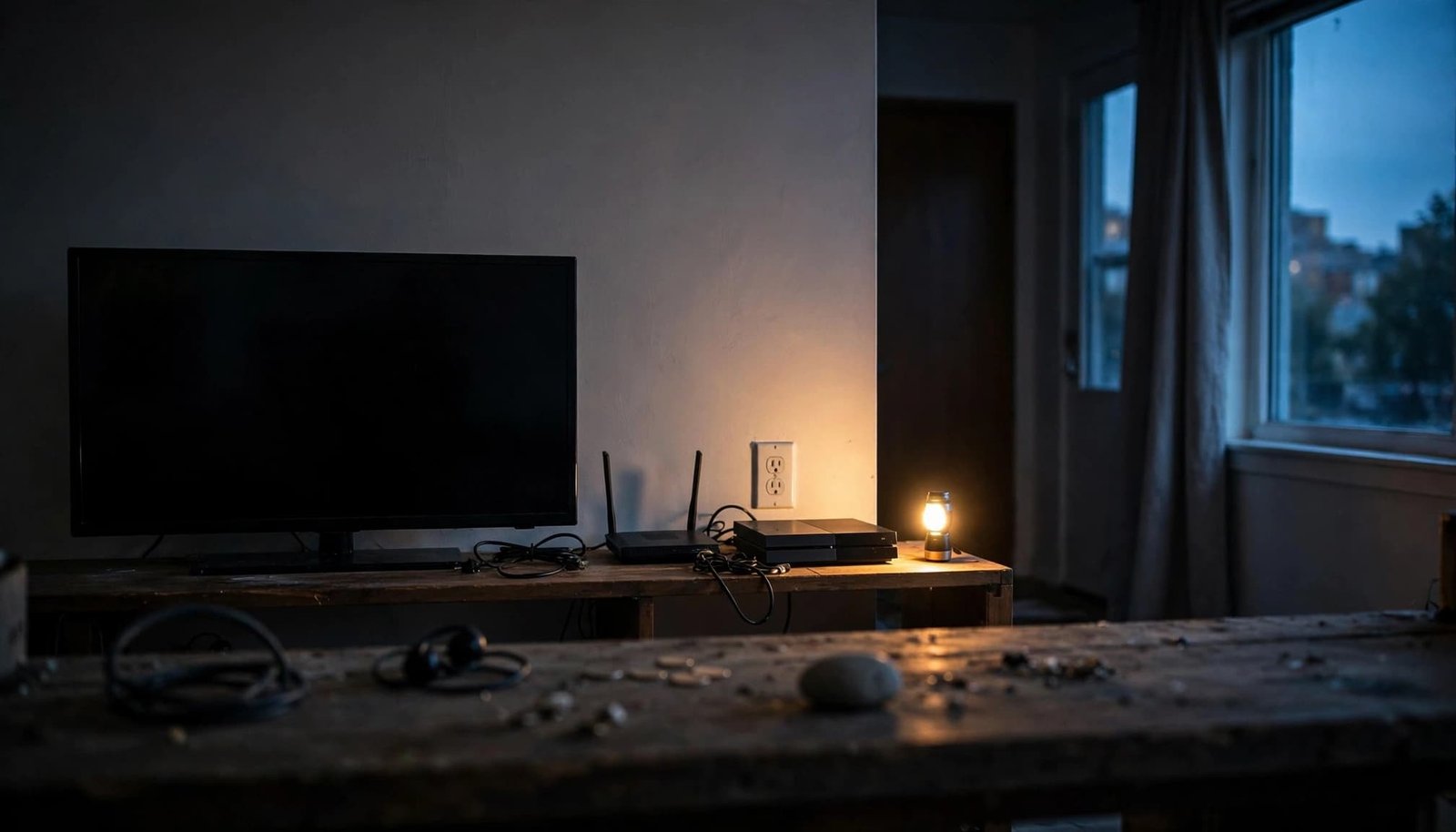
Use a flashlight, keep your hands dry, and pull the plug body rather than the cord. Our guide to what to unplug safely covers the room-by-room priorities.
Keep medical and life-safety equipment on its established backup plan. A refrigerator normally stays connected so cooling resumes when electricity returns.
A brief brownout doesn’t automatically require unplugging everything. However, repeated dimming, prolonged low voltage, or appliances struggling to start during recurring power outages warrant shutting down nonessential equipment and reporting the problem. A surge protector doesn’t replace safe unplugging during unstable service.
Your restart checklist after a power outage
After power restoration, wait until service is stable before following this checklist:
- Pause before reconnecting. Wait for stable service, not a set number of minutes. Watch for flickering, repeated interruptions, unusual brightness, or appliances struggling to start. Keep sensitive electronics disconnected while those symptoms continue.
- Look for electrical hazards. Stay away from wet outlets, flooded areas, damaged cords, scorch marks, or equipment that smells burnt. Smoke, sparks, or immediate danger calls for emergency help.
- Restore essential equipment first. Follow medical-device backup plans. If you disconnected the refrigerator, reconnect it once conditions are safe, while respecting any restart delay in its instructions.
- Bring back your internet connection. Power the modem or optical network terminal first. Let it complete startup, then restart the router and any necessary network switches.
- Restart work equipment gradually. Reconnect the computer, monitor, and external drives individually. Let startup finish before opening files or attaching more accessories.
- Add entertainment and chargers last. Restore the television, consoles, and charging stations separately. If a device trips a breaker, unplug it and stop using that circuit until a professional checks the fault.
- Review the leftovers. Inspect saved files, reset appliance clocks, and review smart-home schedules. Smart bulbs occasionally greet restored power with all the subtlety of a stadium floodlight.
Waiting five minutes doesn’t make flickering power safe. Keep sensitive electronics disconnected until service is stable.
Don’t repeatedly reset a breaker that trips again. Renters should report electrical faults to management rather than attempt repairs.
For an overnight outage, our nighttime power outage guide also covers lighting and smart-device behavior.
How much does surge protection cost?
A $10 power strip usually adds sockets without necessarily providing surge protection. Spending around $30 on a genuine surge protector is an inexpensive precaution for equipment worth thousands.
These are approximate equipment costs, before installation labor where needed.
| Protection option | Typical location | Approximate cost | Practical role |
|---|---|---|---|
| Type 1 suppressor | Service entrance, often meter-mounted | Around $250 plus electrician labor | Part of whole home surge protection |
| Type 2 suppressor | Inside the home, usually at the electrical panel | $100 to $250 plus electrician labor | Adds panel-level protection |
| Type 3 suppressor | Plug-in strip or protected outlet | Around $30 for a basic surge-protected power strip | Provides point-of-use protection with a surge suppressor |
The practical renter option is usually Type 3 protection, because panel and meter work require property authorization and a qualified installer.
The NEMA surge protection FAQs describe standardized device classifications. Type 1 doesn’t mean “meter-mounted only,” and its classification doesn’t limit a surge suppressor exclusively to grid-origin surges.
Still, a service-entrance unit cannot replace a Type 3 surge protector near sensitive equipment. Whole home surge protection and point-of-use protection work together.
Choose a unit with recognized safety certification and a protection-status indicator. Replace it when that indicator shows protection has failed, even if the sockets still supply power.
Also, connect the protector directly to a wall outlet. Don’t daisy-chain strips or use one to run high-draw heaters.
Should you use a UPS or a portable battery?
A UPS keeps electronics running through interruptions
A typical home UPS combines surge protection, battery backup, and automatic switching. It’s a surge protector with a sizable battery attached.
A UPS keeps selected devices running when grid power stops, giving you time to save work and shut down properly.
Some UPS sockets offer surge protection only, while battery-backed sockets provide battery backup. Connect essential equipment to the battery-backed sockets. A UPS’s VA rating describes its supported load, not how many hours its battery lasts.
A power station supports longer, modest loads
A portable power station generally stores more energy for phones, laptops, lamps, and fans. Unlike a UPS, it may take long enough to switch over that a computer or router reboots during an outage.
A “solar generator” usually means a battery station paired with solar charging equipment. A solar generator can recharge through compatible panels, but charging depends on sunlight and setup.
Whole-home battery systems and permanently installed backup systems can cost $15,000 or more. They generally aren’t practical for apartment renters because permanent installation requires property control.
Never run a fuel-burning generator indoors, in a hallway, or on a balcony.
How do you size backup power for electronics?
Calculate watts and watt-hours separately
Watts describe power; watt-hours describe energy. Both matter when choosing a battery.
For a simple electrical load, watts = volts × amps. With AC electronics, label ratings can overstate normal consumption, and power factor can affect the calculation. A suitable plug-in power meter gives a better operating estimate.
Next, calculate energy: watt-hours = watts × hours.
A refrigerator drawing 200W continuously for eight hours uses 1,600Wh, or 1.6kWh. Real refrigerators cycle, so measured energy use can differ substantially from this continuous-load example.
Allow for losses and startup demand
Battery capacity isn’t the same as energy delivered to your equipment, whether you use a portable battery or a solar generator. The inverter, temperature, and battery condition affect usable runtime.
For planning, assume 80% usable energy, but treat it as an estimate, not a performance guarantee. Supplying the calculated 1,600Wh load would require about 2,000 watt-hours of rated capacity at 80% usable energy.
The battery’s continuous output must also support all connected devices together. Motor-driven appliances need enough startup capacity.
Prioritize communication and essential equipment before comfort loads. A space heater can empty a compact battery long before your laptop has finished complaining about the internet.
What belongs in a compact apartment emergency kit?
Keep your kit reachable without moving furniture or opening a packed closet. Ready.gov’s emergency kit recommendations offer a useful household baseline.
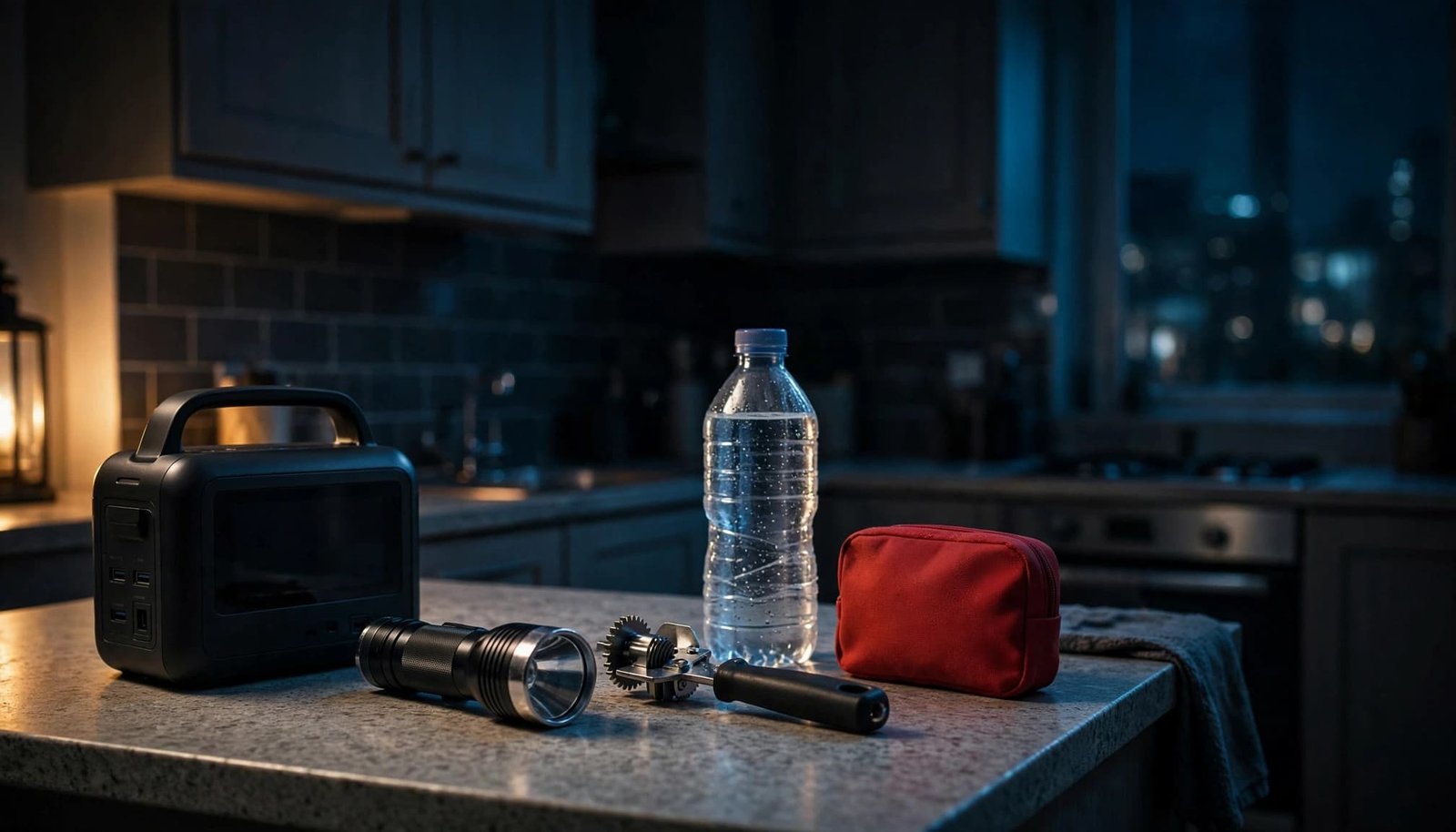
Start with these ten power outage supplies:
- Store at least one gallon of water per person per day for drinking and sanitation.
- Keep shelf-stable food you can eat without cooking.
- Include a manual can opener, because the electric one takes the night off too.
- Pack a flashlight or LED lantern instead of relying on candles.
- Add spare batteries that fit your lights and radio.
- Keep a charged phone power bank with the correct cables.
- Include a battery-powered radio for updates when internet service fails.
- Store first-aid supplies and a one-week supply of essential prescriptions and over-the-counter medicines.
- Print utility, property-management, medical, and household contact numbers.
- Add a written unplugging and restart checklist, plus tags identifying important cords.
Store ordinary medicines somewhere cool, dry, and accessible, rather than in a humid bathroom. Refrigerated medicines need a separate approved cold-storage plan.
For small-space storage, keep your emergency kit and other power outage supplies in one renter-friendly grab-and-go bin. Store water separately on a sturdy, low shelf, and leave battery ventilation openings clear.
A traditional corded landline can work without household electricity, unlike a cordless handset. However, internet-based phone service needs powered equipment, as the FCC’s emergency communications tips explain.
How long is refrigerated food safe without power?
During a power outage, a refrigerator with its doors closed keeps food safe for about four hours. A full freezer holds its temperature for approximately 48 hours, while a half-full freezer lasts about 24 hours.
These are planning windows, not proof that every item remains safe. The FoodSafety.gov outage charts give food-specific discard guidance.
After four hours without refrigeration, discard refrigerated perishables unless a thermometer confirms they stayed at 40°F or below. Never taste food to judge its safety.
Restored power doesn’t reverse spoilage. Check food before returning to your usual routine. Our refrigerator outage food-safety guide covers keeping groceries cold during longer interruptions.
Frequently Asked Questions
How long should I wait before reconnecting electronics?
Wait until power is stable rather than relying on a set number of minutes. Keep sensitive devices disconnected while you see flickering, repeated interruptions, unusual brightness, or appliances struggling to start.
What should I unplug during a power outage?
If you can reach them safely, unplug computers, external drives, televisions, game consoles, networking equipment, and nonessential appliances with electronic controls. Keep medical and life-safety equipment on its established backup plan, and normally leave the refrigerator connected.
What order should I use to restart my internet equipment?
Power the modem or optical network terminal first and let it complete startup. Then restart the router and any necessary network switches.
Does a surge protector prevent all damage?
No. A surge protector reduces certain surge risks, but it can’t make unsafe electrical conditions harmless or prevent lost work and file corruption caused by an interruption.
How long does refrigerated food stay safe without power?
A closed refrigerator keeps food safe for about four hours. A full freezer holds its temperature for about 48 hours, or about 24 hours if it’s half full; check food-specific guidance and discard refrigerated perishables after four hours unless a thermometer confirms they stayed at 40°F or below.
Bring your apartment back online without rushing
The safest restart after a power outage begins with steady electricity, safe connections, and essential equipment. Reconnect electronics individually, and stop if an outlet or appliance shows signs of trouble.
Afterward, recharge backup batteries and replace used supplies. A labeled cord and a reachable flashlight make preparing for power outages easier, without turning your apartment into a warehouse.
Your Wi-Fi can wait a few minutes while you bring everything back safely.