A dead phone during a long power outage turns a useful tool into a shiny pocket brick. A charge phone blackout plan gives you more than battery percentage, protecting access to emergency alerts, family updates, maps, and emergency services.
The best option is usually the one you charged before the lights went out. Still, when electricity is unavailable, a long outage calls for careful power use, safe backup gear, and a plan that keeps multiple smartphones available without relying on one heroic cable.
Key Takeaways
- Keep at least one fully charged power bank and the correct charging cable in your emergency kit.
- Use low-power settings before the battery turns red, because every percentage point matters during a multi-day outage.
- Compare portable batteries by watt-hours when possible. This makes it easier to estimate what they can provide.
- Charge from a car only in a well-ventilated outdoor location if the engine must run.
- Treat a solar panel as a helpful refill source, not guaranteed power during clouds, storms, or short winter days.
- A portable power station is better for repeated charging and small essentials. A UPS is mainly a short bridge for equipment already plugged into it.
- Text instead of calling when service is strained, and save emergency numbers on paper too.
Start by Preserving the Battery You Have
Before plugging anything in, slow your phone’s power drain. A full recharge is nice, but a phone that lasts twice as long is even nicer.
Switch to low-power survival mode
Look for a battery-saving setting, which may be labeled Low Battery Mode on some phones, Low Power Mode on an iPhone, or Battery Saver on Android. Lower screen brightness, shorten the auto-lock timer, and turn off Bluetooth, location services, and background apps unless you need them.
Airplane mode is useful when you don’t need calls or data, but don’t use it when you need active cellular service. Turn Wi-Fi back on if your router still has power from a battery backup or portable power station. Wi-Fi often uses less power than a phone searching for a weak cellular signal.
If your area has no service at all, switch the phone off between planned check-ins. Constantly hunting for a tower drains a cell phone battery with impressive speed and zero manners.
Save communication for what matters
The FCC’s emergency communication guidance recommends texting when possible. Text messages use less network capacity than voice calls and may get through when calls fail.
Avoid using your phone as a flashlight. A battery lantern, headlamp, or ordinary flashlight can preserve your phone for alerts, directions, and contact with family. Download local maps, save utility numbers, and screenshot key instructions while you still have service.
A phone at 40% with power-saving settings and planned check-ins can outlast a phone at 80% that spends all night refreshing social feeds.
A Charge Phone Blackout Plan for the First Hour
Start with the lowest-risk power source in your home. Your goal isn’t to fill every device to 100%. Give one primary phone enough power for the next useful stretch.
Use a charged power bank first
A power bank is the simplest answer during an unexpected outage. Connect your phone with a good cable, place both devices on a dry, hard surface, and unplug once you have enough charge.
Ready.gov’s power outage advice recommends planning for alternative power sources, including portable chargers. Keep several smaller external battery packs if your household has multiple phones. They’re easier to share, carry, and locate than one giant mystery brick at the bottom of a closet.
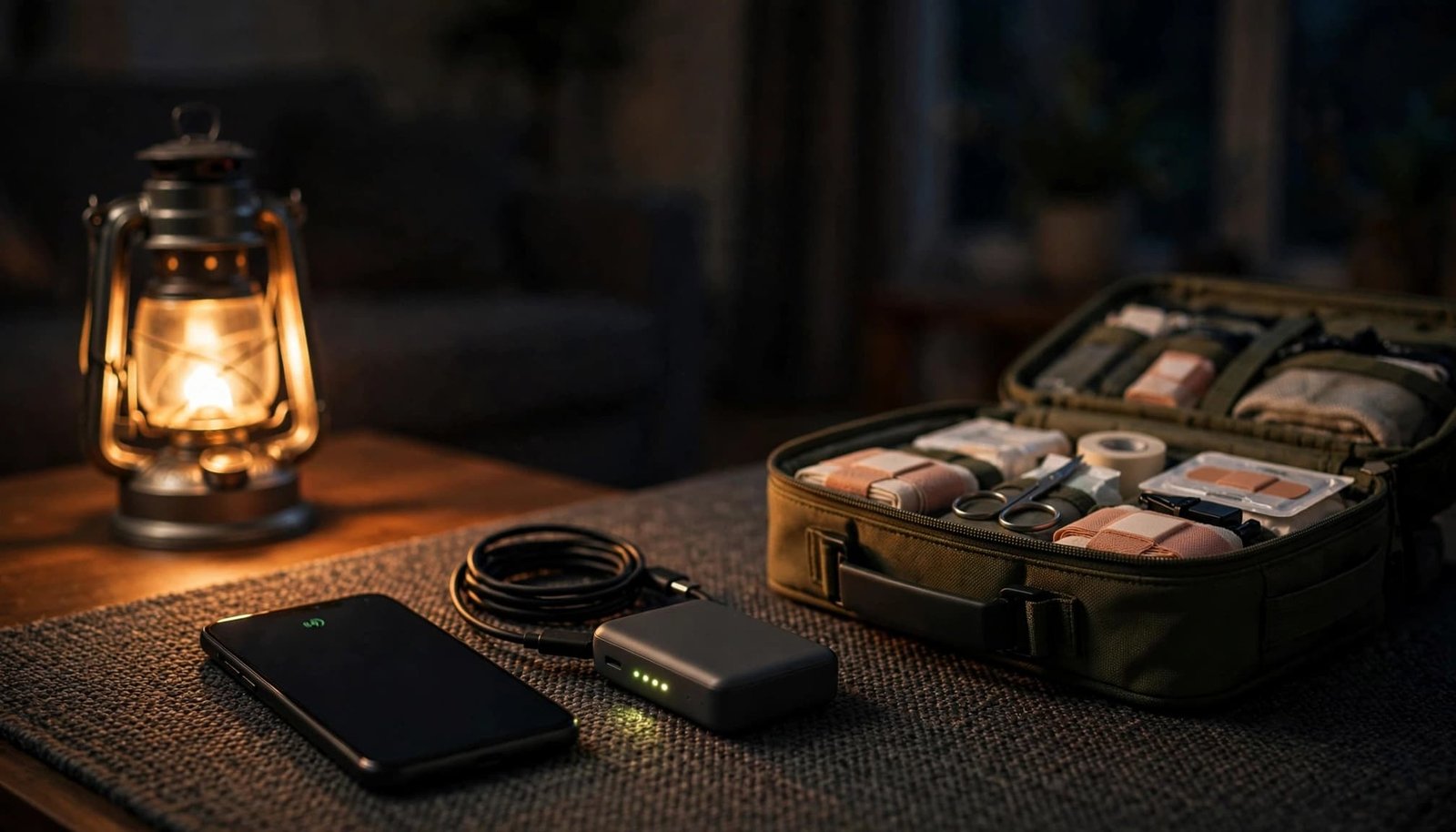
Check battery packs twice a year. Recharge them after use, inspect cables for damage, and store lithium battery packs away from extreme heat, moisture, and direct sun.
Use a laptop only as a last-resort reserve
A laptop USB port can recharge phone batteries if the laptop still has power. It isn’t magic electricity, though. The phone is borrowing from the laptop’s remaining reserve.
Use this method when the laptop has plenty of charge and the phone needs enough power for a call, text, or map. Avoid video, games, or a dozen browser tabs while charging. Your laptop will burn through its own battery and leave both devices sulking.
Place the laptop and phone on a hard, ventilated surface. Stop charging if either device becomes unusually hot.
If the laptop is your only work device or contains important offline files, protect its remaining charge for when you truly need it.
Compare Battery Capacity Before You Buy
Battery labels can look like alphabet soup during a calm shopping trip. During a blackout, they should answer one question: how much usable energy do I have?
Why watt-hours beat milliamp-hours
Portable batteries often list capacity in milliamp-hours, or mAh. That figure helps when comparing similar phone-sized units, but voltage also affects stored energy.
Watt-hours, written as Wh, measure energy and clarify energy usage across different devices. They make comparisons easier among laptops, UPS units, and portable power stations. Smartphones often hold roughly 10 to 20 Wh, although battery size varies by model.
Use this quick comparison when looking at backup power.
| Device type | Typical label | Best use during an outage |
|---|---|---|
| Pocket power bank | 5,000 to 20,000 mAh | One or several phone top-ups |
| Large portable battery | 20,000 to 50,000 mAh | Phones, lights, and small USB devices |
| Portable power station | Wh and output watts | Repeated phone charging, router, lamp, laptop, or fan |
| UPS | Wh or VA rating | Short backup for connected electronics |
A battery’s listed capacity isn’t the same as the energy your phone receives. Heat and voltage conversion take a small toll, so leave yourself a margin.
Pack the small gear that makes power usable
An external battery pack without the right cable is a very expensive paperweight. Keep one short cable for each phone type, plus a wall charger for when electricity returns.
Add a car charger, a small solar panel, a battery lantern, and a battery-powered or hand-crank radio. Label the pouch and keep it near your emergency supplies, rather than scattering it across drawers like a technological scavenger hunt.
Use Vehicle, Solar, and Hand-Crank Options Safely
Once the power bank is low, move to options that can create or access more energy. Each has limits, and none deserves reckless improvisation.
Charge from a car with ventilation in mind
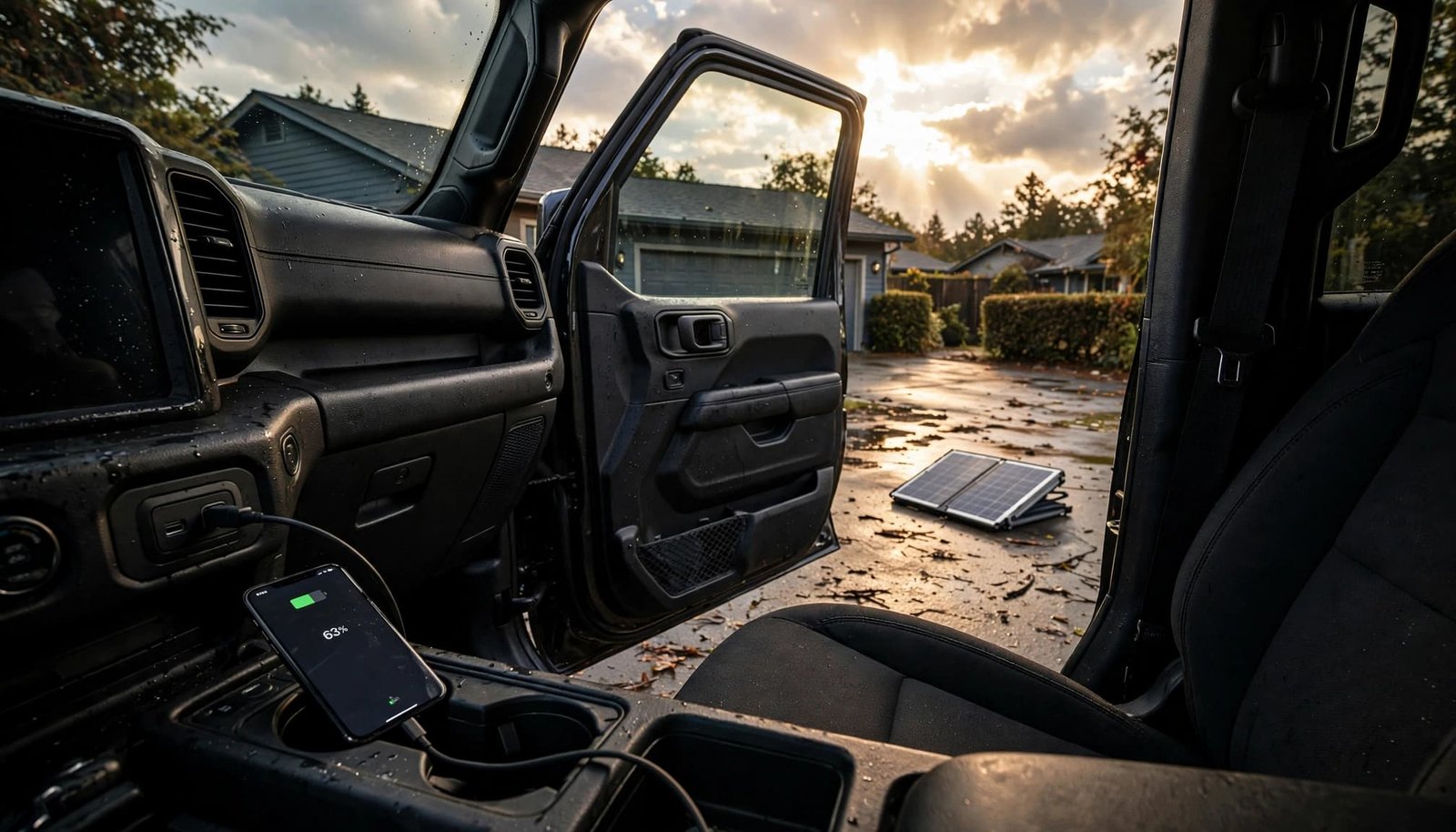
A vehicle’s USB charging ports or a car charger can recharge a phone. If your vehicle needs to run for its charging ports to work, move it outdoors first.
The U.S. Department of Energy’s mobile-device guidance warns against running a vehicle in a garage. Carbon monoxide can build up even if the garage door is open. Park outside, keep exhaust away from windows and doors, and avoid draining the starter battery.
A car battery and a power inverter can run USB chargers, but use automotive equipment and follow its manual. Do not jury-rig bare wires, overload the inverter, or leave the automotive setup unattended. A phone is not worth a damaged vehicle or a fire.
Stop using any damaged, swollen, leaking, or overheating battery or charger. This applies to chargers for phones and other mobile devices.
Treat solar and hand-crank power realistically
A solar-powered charger can use a solar panel to refill a phone or backup battery during daylight. Place the solar panel in direct sun, angle it toward the brightest part of the sky, and secure it against wind. Charge your backup battery first when possible, because sunlight may vanish before your phone finishes.
Clouds, smoke, shade, short winter days, and another round of bad weather can reduce output dramatically. For a long blackout, solar works best as one part of a layered setup.
A hand-crank charger provides modest power and takes effort, so save it for essential messages or radio use. Check the hand-crank charger’s manual before connecting your phone, since cable requirements and outputs vary.
Pick a UPS or Larger Battery Backup
These devices both store electricity, but they’re built for different jobs. Choosing the wrong one can leave you with plenty of plugs and very little useful runtime.
A UPS covers a short interruption
An uninterruptible power supply, or UPS, sits between wall power and a connected device. It can keep a modem, router, desktop computer, or home phone system running briefly when the grid drops.
Use a UPS for equipment that needs continuity. It can also charge a phone while its battery lasts. However, most units aren’t designed as grab-and-go power sources for days of off-grid use.
A larger battery backup handles the longer haul
A portable power station is a larger rechargeable battery with USB ports, AC outlets, and sometimes inputs for a vehicle or solar panel. It produces no exhaust, so it’s generally suitable indoors when used as directed.
Unlike a UPS, it’s designed for repeated charging and small loads. Check three labels before relying on one: battery capacity in Wh, continuous output in watts, and the wattage each device needs. A phone, LED lamp, router, and laptop are sensible loads. A space heater, electric kettle, hair dryer, or air conditioner will drain stored power at raccoon-at-an-open-trash-can speed.
Keep the station dry, allow airflow, and use the supplied cables. Stop using equipment that becomes unusually hot or shows damage. Fuel-burning generators belong outdoors, far from doors, windows, vents, garages, and balconies.
Plan for a Multi-Day Outage and Weak Cell Service
A phone charger solves only part of the problem. Long outages can disrupt cellular networks, internet service, water, building access, and travel.
Expect cell service to become unreliable
Some cell sites and telephone facilities have backup batteries or generators. That does not promise reliable service for every customer. Cell towers can become congested, damaged, or disconnected from the wider network.
Send a brief status text early. Tell contacts when you plan to check in next, then preserve battery until that time. Keep a battery radio for official updates, with a hand-crank charger as another backup, because cellular data may fail before the sky clears.
Families should also write down phone numbers, meeting places, medication details, and insurance contacts. Paper does not need a charging cable.
Rotate power and check supplies daily
Choose one primary phone for emergency communication. Keep secondary phones powered down as backups, then rotate charging instead of trying to maintain every device at full battery. Between scheduled check-ins, confirm that Low Battery Mode remains enabled on the primary phone.
Check your power bank, station, solar panel, cables, and car fuel level each day. Also consider pets, medical devices, building elevators, mobility needs, and indoor temperature. Renters should keep property management’s emergency contact on paper, especially if electronic entry systems or elevators stop working.
Test your kit during a calm weekend as part of emergency preparedness, not just an outage response. Charge the power banks, find the flashlight, and settle the only pleasant emergency: which shelf-stable snack disappears first.
FAQ: Phone Charging During a Blackout
Can I use a backup generator to charge my phone?
Yes, but use a fuel-burning generator only according to its instructions and outdoors. A power bank, car charger, or portable power station is usually safer and less wasteful for charging one phone.
Never run a fuel-burning generator in a home, garage, basement, hallway, carport, or apartment balcony. Carbon monoxide has no smell and can accumulate even when a garage door is open.
Should I recharge my phone to 100% every time?
Not necessarily. During a long blackout, charge enough to cover your next planned check-in, alerts, and essential tasks. Keeping a power reserve spreads limited stored energy across more time and more people.
Will airplane mode stop emergency calls?
Airplane mode disables cellular service, so turn it off before calling emergency services. You can also enable airplane mode and manually turn Wi-Fi back on when a working network is available.
Keep the Phone Useful, Not Just Charged
The best blackout setup layers stored energy, safe charging options, and strict battery habits. Start with a charged power bank, stretch every percentage point, and use a vehicle, a solar-powered charger connected to a solar panel, or a portable power station when conditions make sense.
A charge phone blackout plan works because it protects communication before panic enters the room. Keep the gear together, test it before storm season, and let your phone remain a lifeline instead of a dim rectangle of regret.
Pingback: Power Outage Prep for Renters: No Generator Needed